.png)
You must have seen or will see that there is an option to add the tax to the item profile, In this lesson, we will describe how works tax in item profiles in detail.
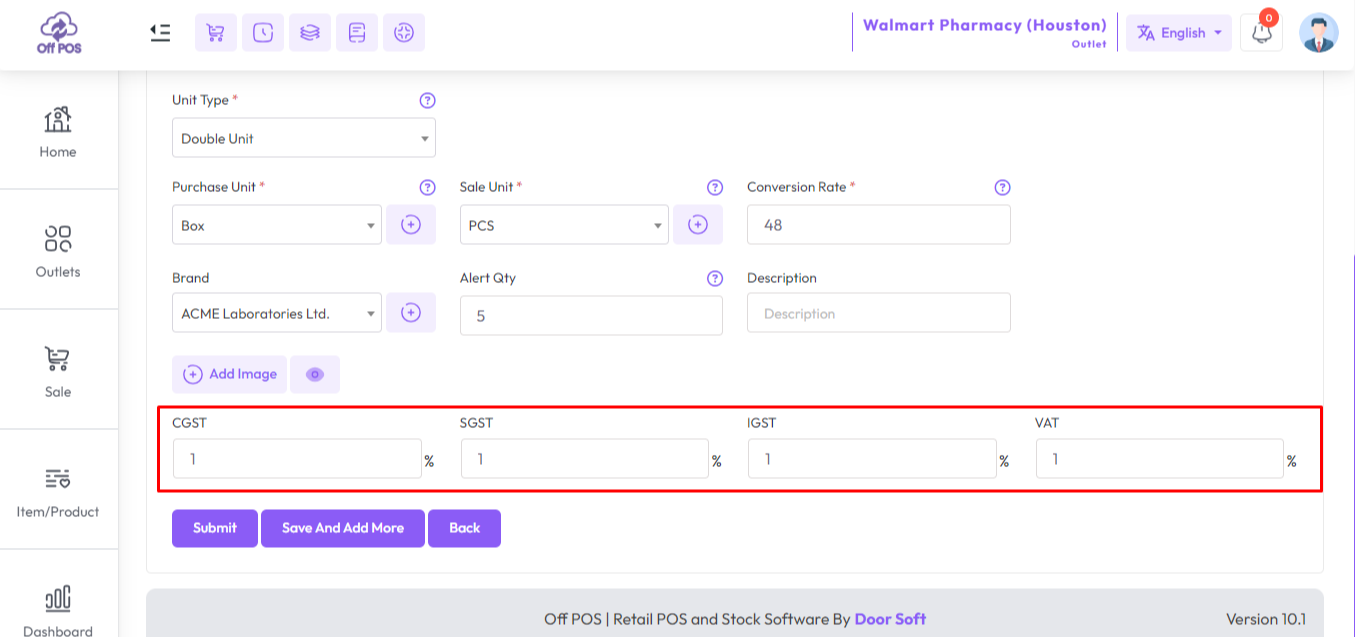
You may remember that we had an option in our tax settings called "I Collect Tax" You can attach tax to items in the item profile whenever "I collect tax" is set to "Yes". According to your business setting you will see the taxes field and amount, CGST, IGST, SGST, VAT, and so on, also you can customize any tax amount from the item profile.
Was this page helpful?
Thank you for your feedback!
Please Login First
Zimozo - Support Ticketing, Knowledgebase, Live Chat and CRM
Comments (00)