An item movement report is a report through which all history or transactional statements of a product can be seen.
Example: Such as when the item was Purchased, Sale, Purchase Return, Sale Return, Damage, Transfer etc.
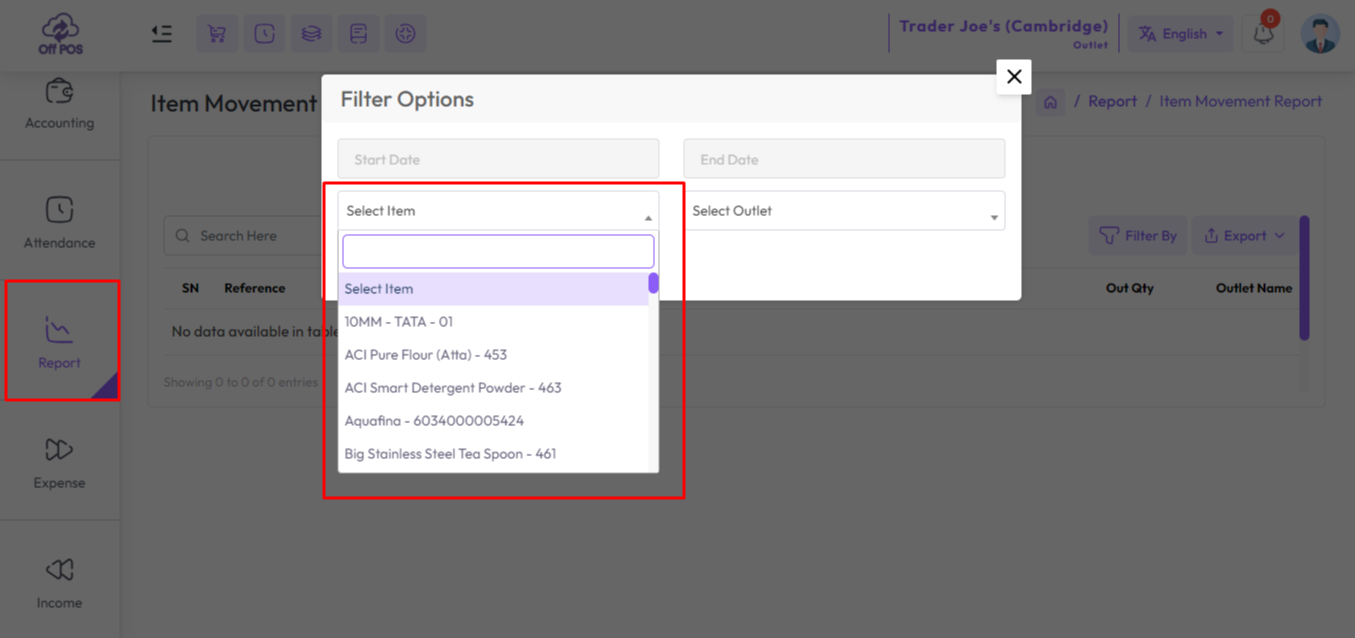
To view the Item Movement Report expand the Report Menu from the left sidebar and click on Item Movement Report. select a date to view the report within a specified date if needed. select an item from the item field
An item movement report is a report through which all history or transactional statements of a product can be seen.
Example: Such as when the item was Purchased, Sale, Purchase Return, Sale Return, Damage, Transfer etc.
Was this page helpful?
Thank you for your feedback!
Please Login First
.png)
Zimozo - Support Ticketing, Knowledgebase, Live Chat and CRM
Comments (00)