.png)
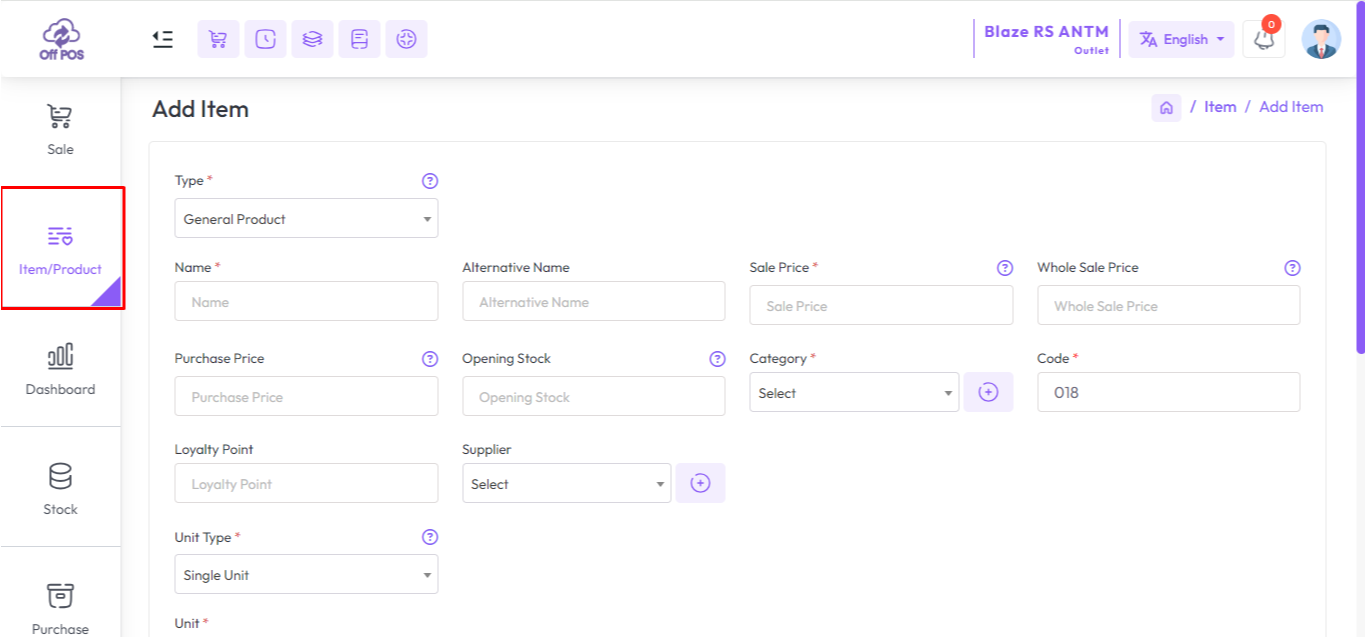
To create a new Product expand the Item/Product menu from the left sidebar after that click on the Add Item/Product menu.
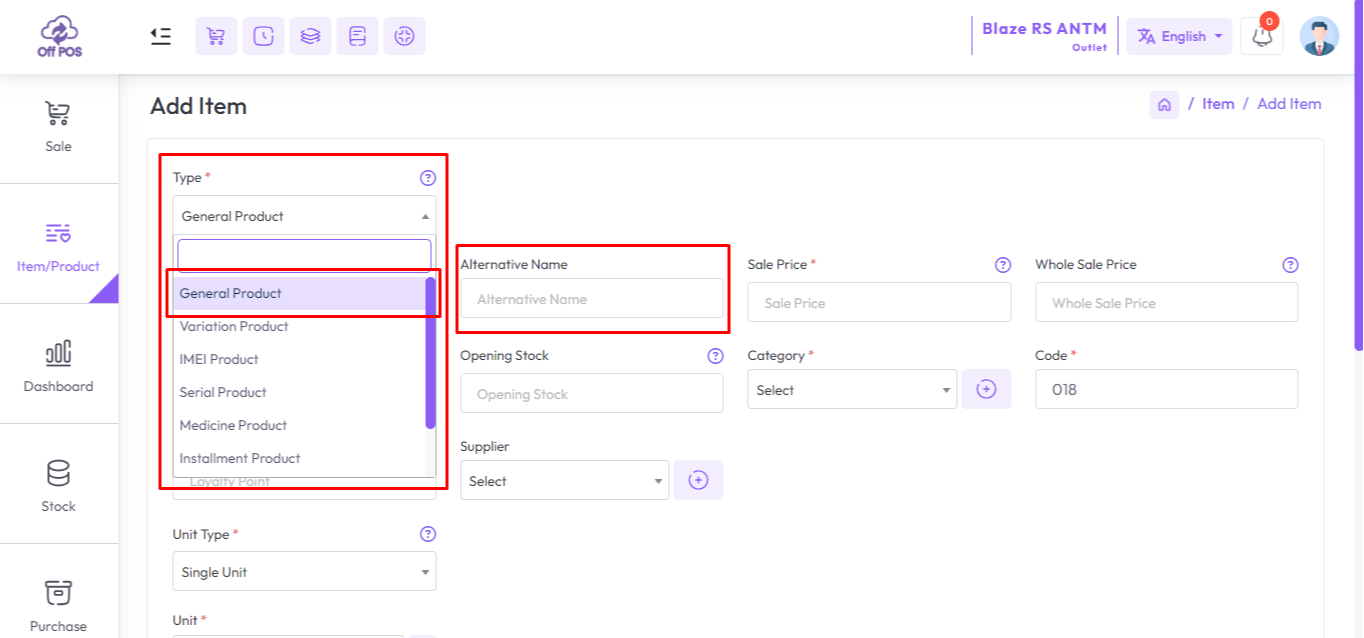
Select a type from the Type field, and enter an "Alternative Name" for this product, "Alternative Name" for a product typically refers to an additional name or label that can be used to identify the product in the system, fill up the all required field and hit the submit button to Add Item/Product.
Was this page helpful?
Thank you for your feedback!
Please Login First
Zimozo - Support Ticketing, Knowledgebase, Live Chat and CRM
Comments (00)