.png)
To add an employee Expand Authentication Menu form the left sidebar, and click on Add Employee menu
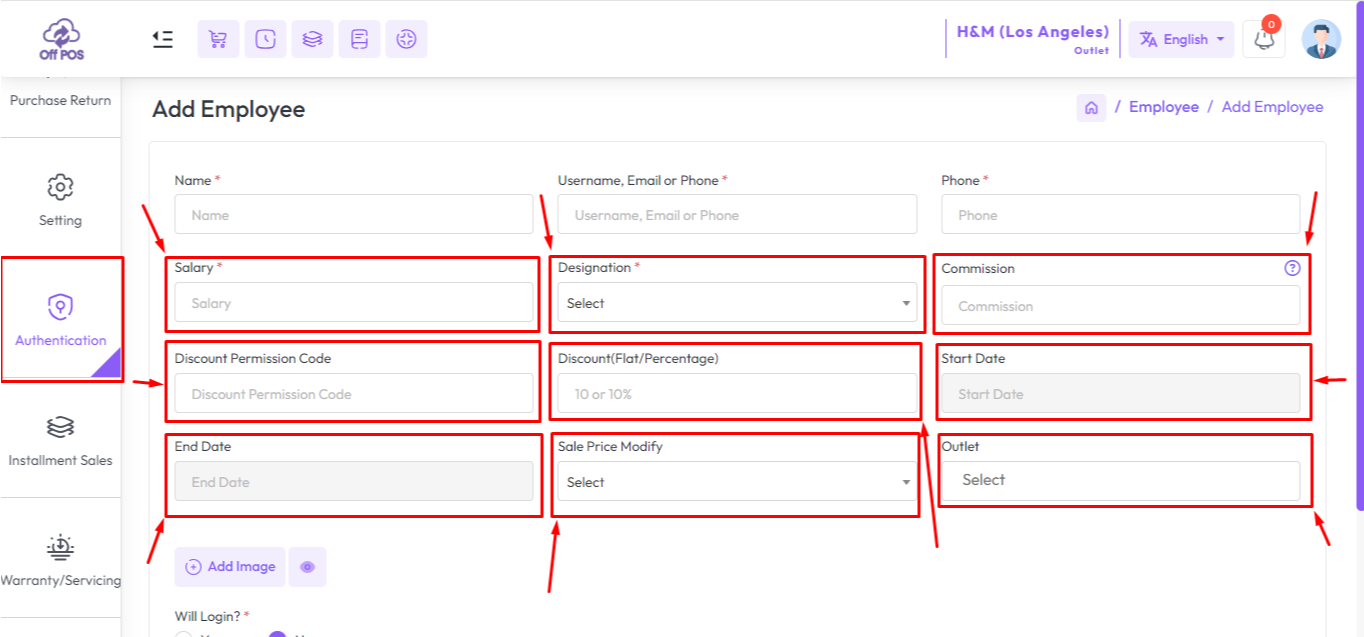
"Salary" Enter Salary amount of this employee,
"Designation" Earlier we explain about Role here you can selecty A role of this employee, this employee can be access those menu which is set for this Role
"Commission" If you set commission for this employee then he will get commission on every sale if the sell is under that employee.
Click here to read the article on Discount Permission for Employee.
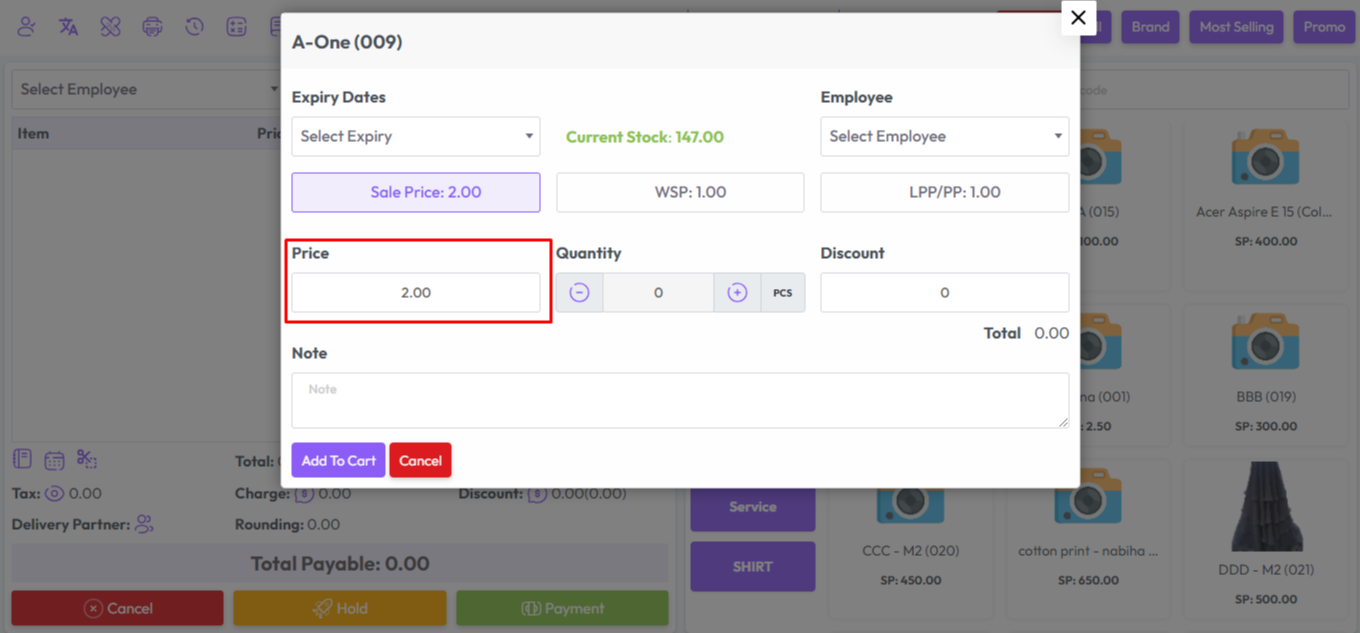
"Sale Price Modify" the sale price modify has two option "Yes" or "No" if you select "Yes" that means you are able to modify sale price from POS screen. example shown in below snapshot
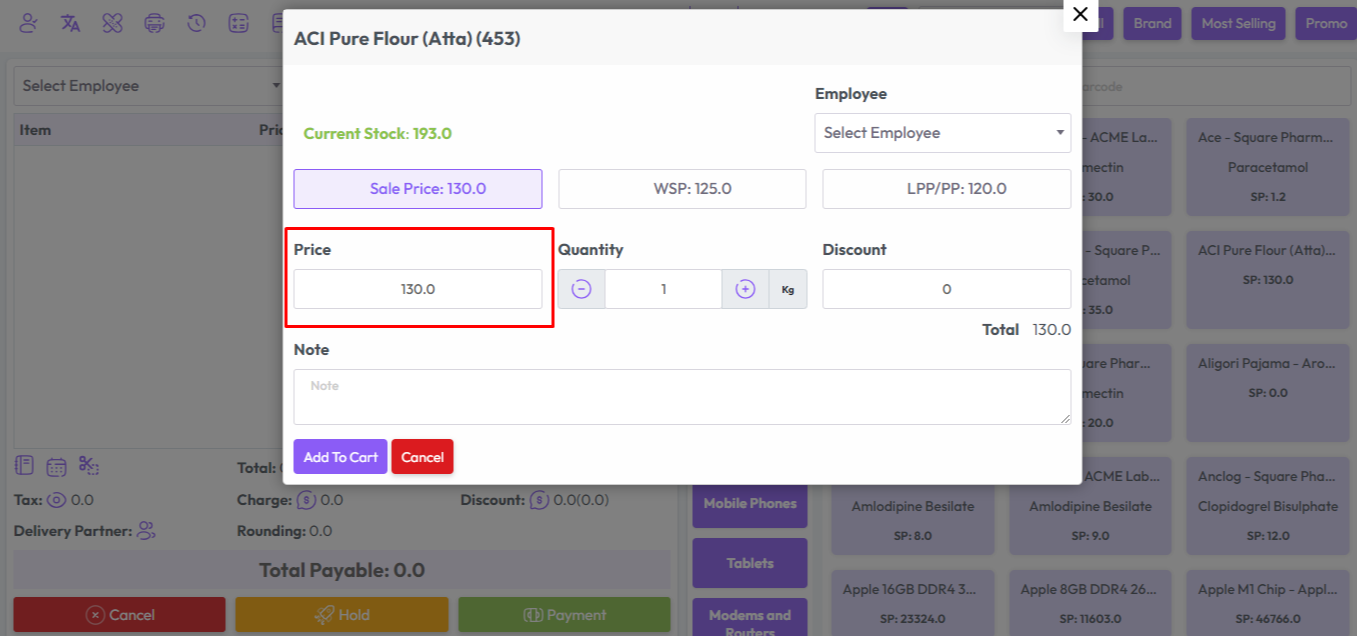
If you select Sale Price Modify "No" that means you are not able to modify sale price from POS screen, example shown below snapshot
Was this page helpful?
Thank you for your feedback!
Please Login First
Zimozo - Support Ticketing, Knowledgebase, Live Chat and CRM
Comments (00)