.png)
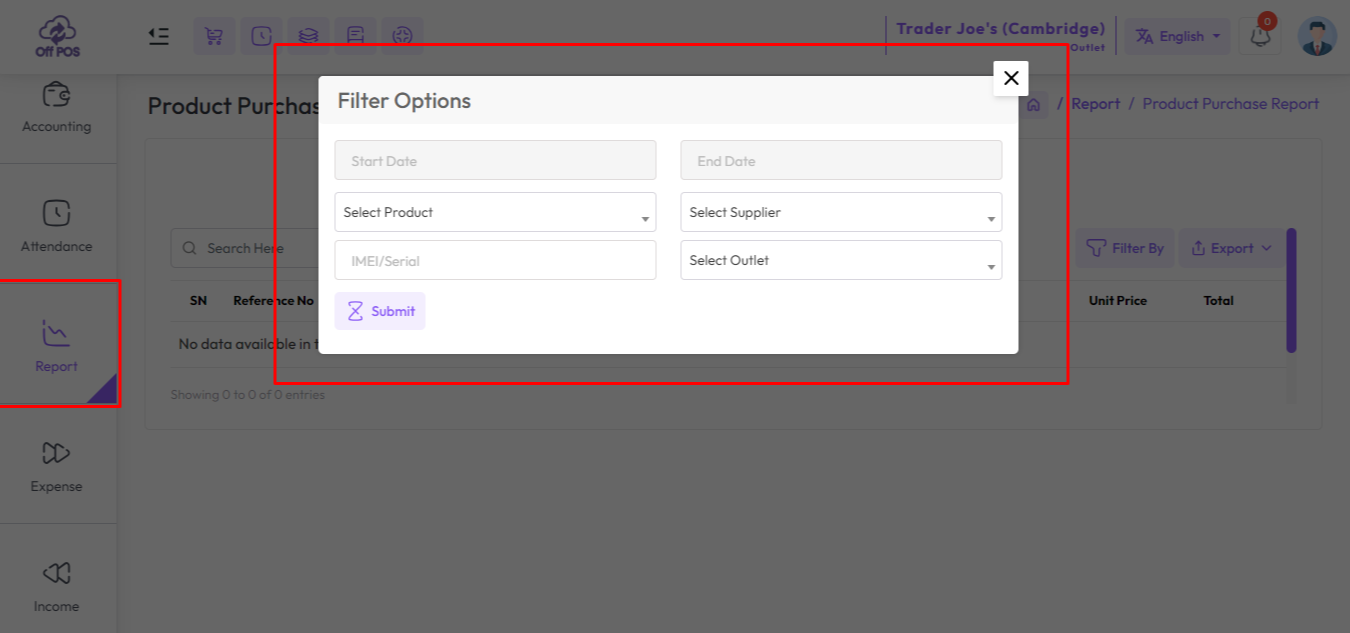
To view the "Product Purchase Report" expand the "Report" menu from the left sidebar and click on the "Product Purchase Report" menu.
Select a date to view the report within a specified date if needed. select a supplier, product, also you can select outlet from the outlet field to filter report according to outlet.
Was this page helpful?
Thank you for your feedback!
Please Login First
Zimozo - Support Ticketing, Knowledgebase, Live Chat and CRM
Comments (00)