.png)
To create a new attendance expand the Attendance menu from the left sidebar after that click on the Add Attendance menu.
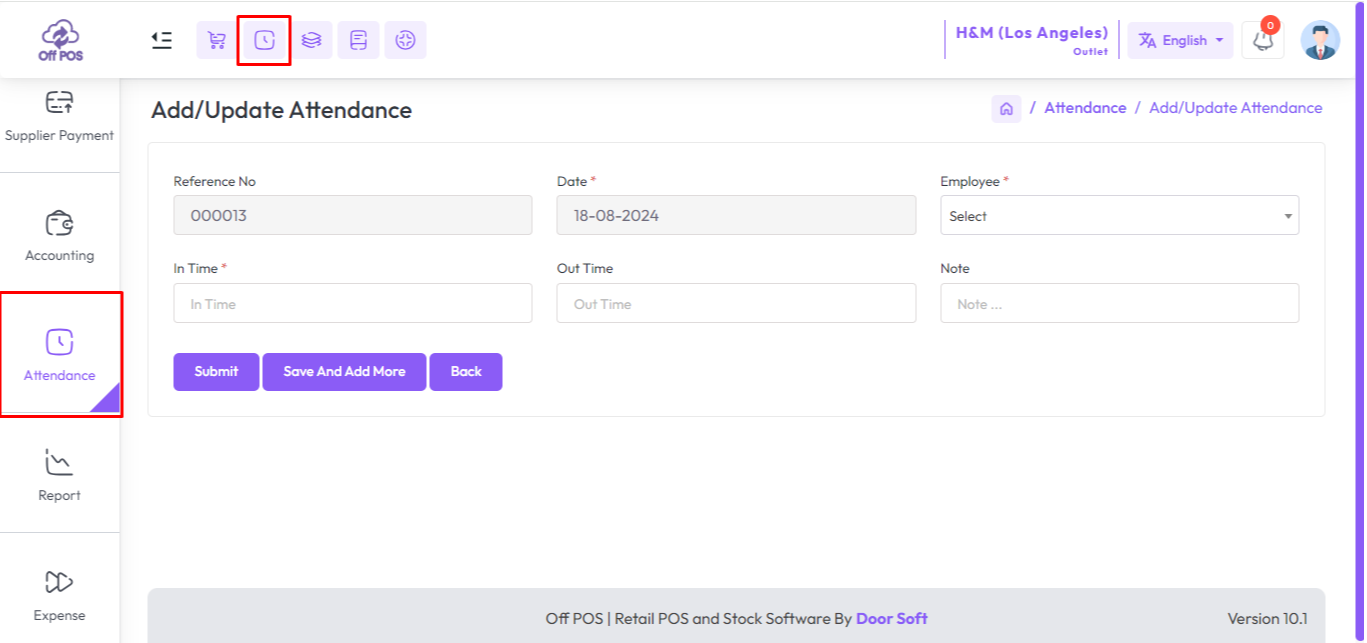
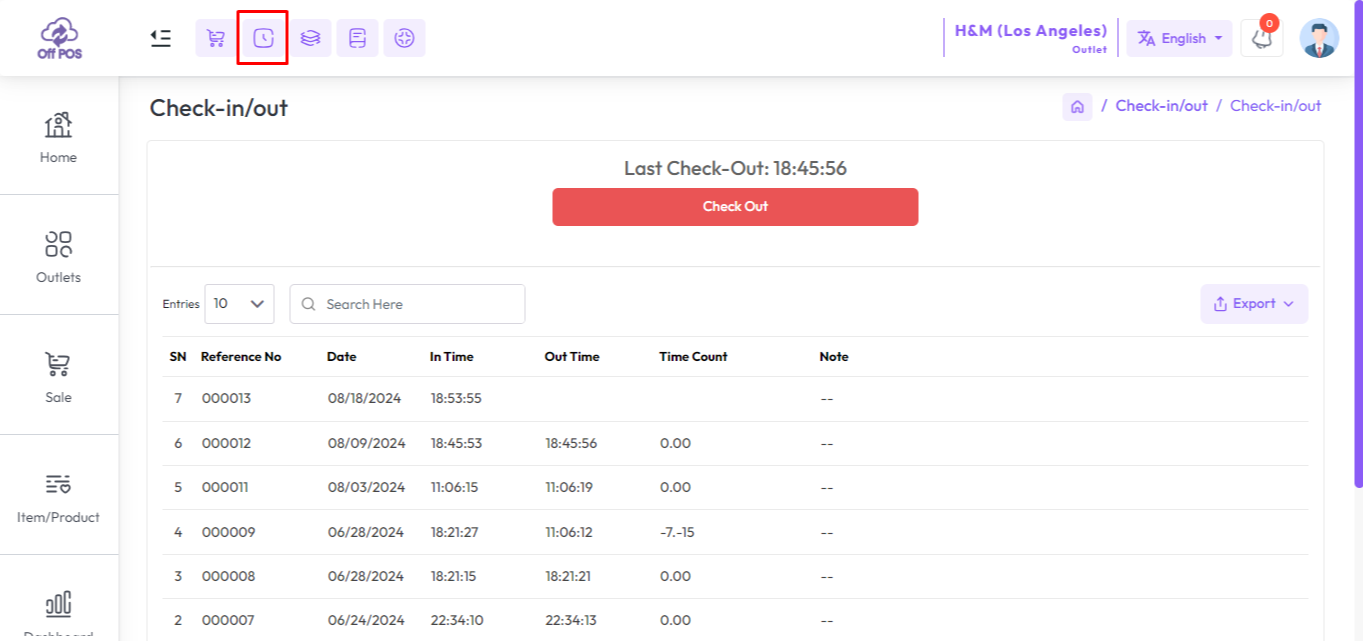
If you are not able to access for Add Attendance Menu you just click the Checkin/Checkout button from the top header go to the checkout page and update your attendance.
Was this page helpful?
Thank you for your feedback!
Please Login First
Zimozo - Support Ticketing, Knowledgebase, Live Chat and CRM
Comments (00)