.png)
1. First, you need to install xampp or wamp or lamp server, then create a new folder named iproduction under htdocs/www folder of your xampp/wamp/lamp and then upload the downloaded zip file’s all contents of script folder inside of the iproduction folder. You can check, how to install xampp from here: https://youtu.be/_TDiZWoiewk
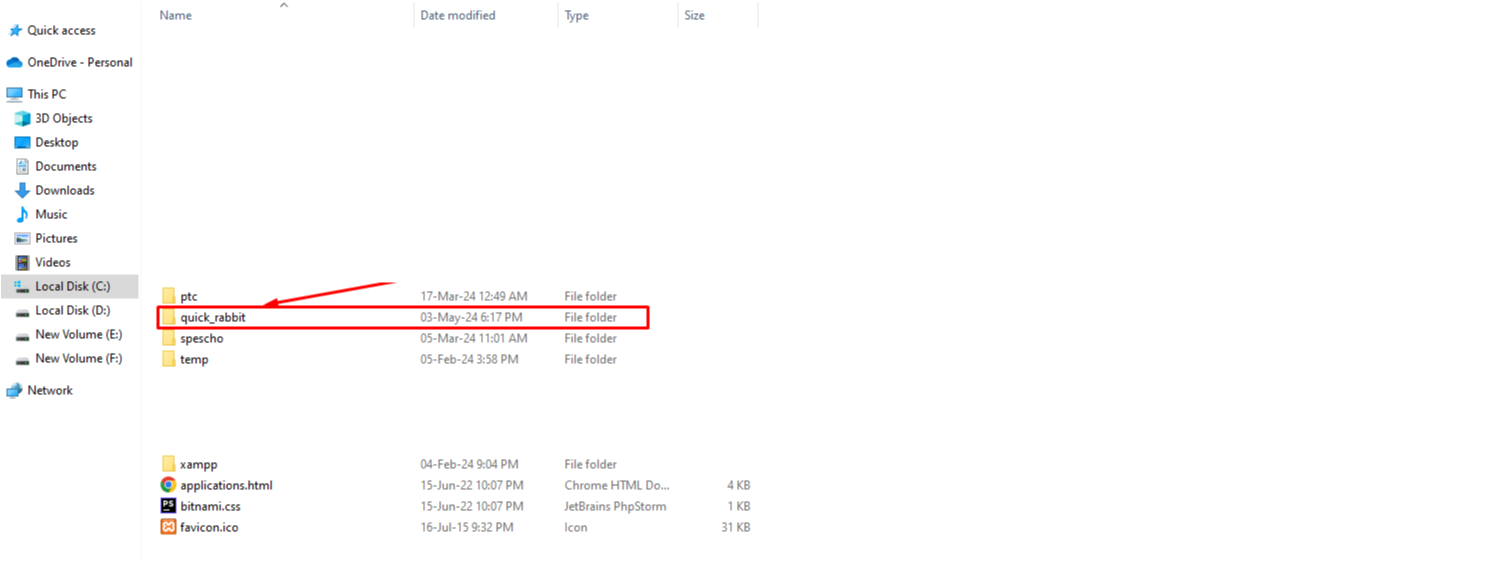
2. Go to your browser and enter the URL: localhost/iproduction/install
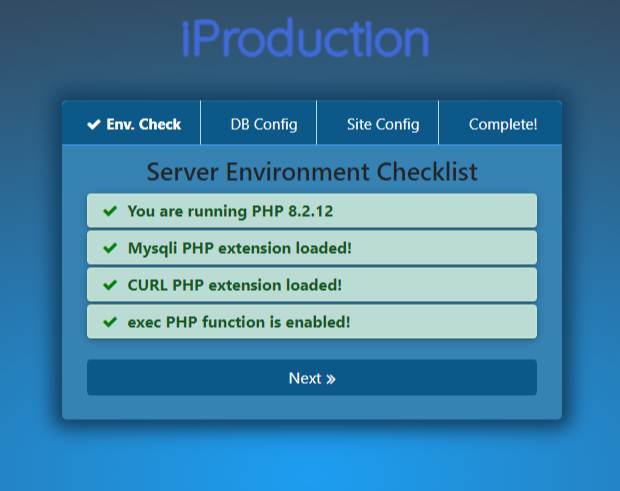
3. Create a database named iproduction or any others as per your need. Go to your browser and enter localhost/phpmyadmin and create the database
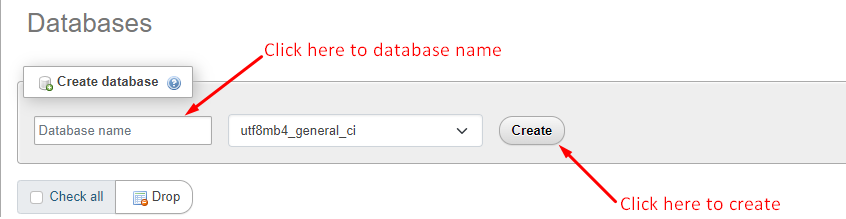
3. Enter the database configuration data and click Next.
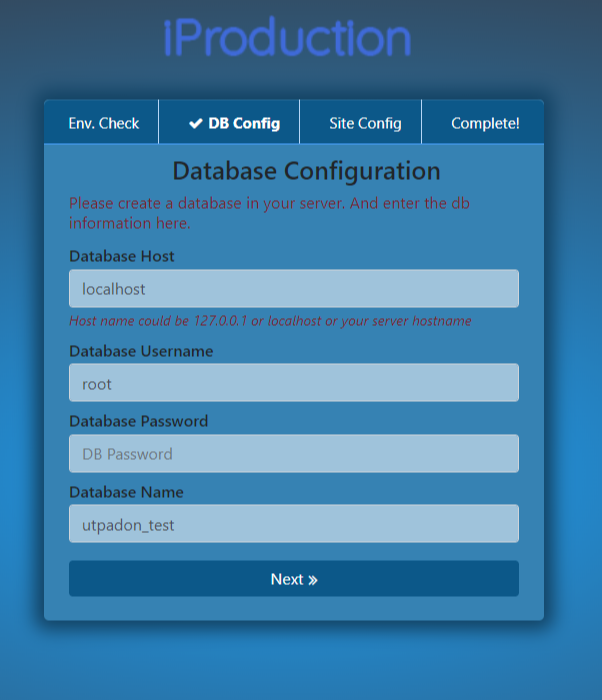
4. After clicking on Next it will be shown as a screenshot and click on Next again for the next step.
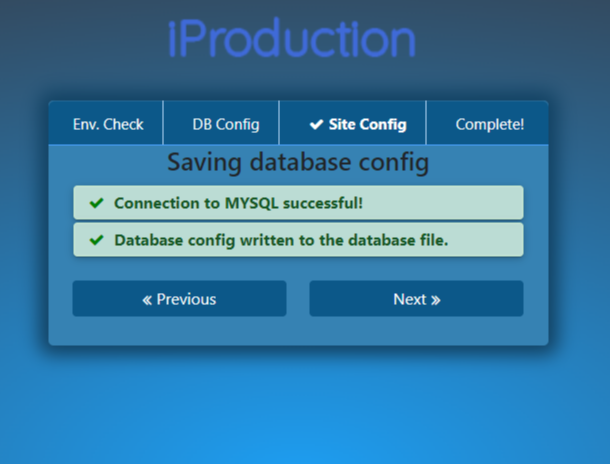
5. After clicking on the Next button it will be shown like this screenshot and click on Next.
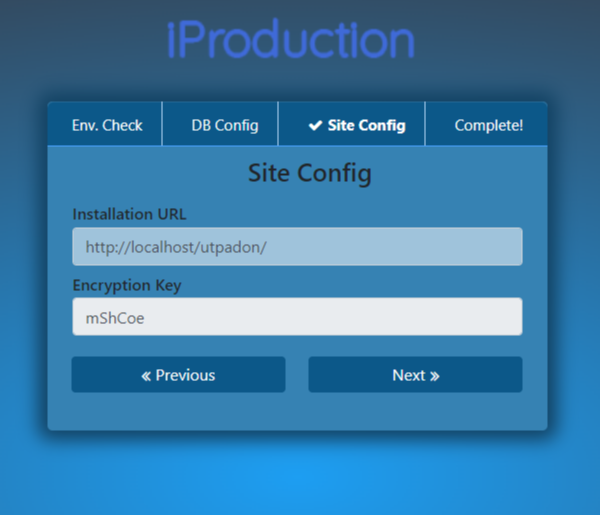
6. After clicking on the Next button it will be shown as a screenshot and click on Next. Installation completed.
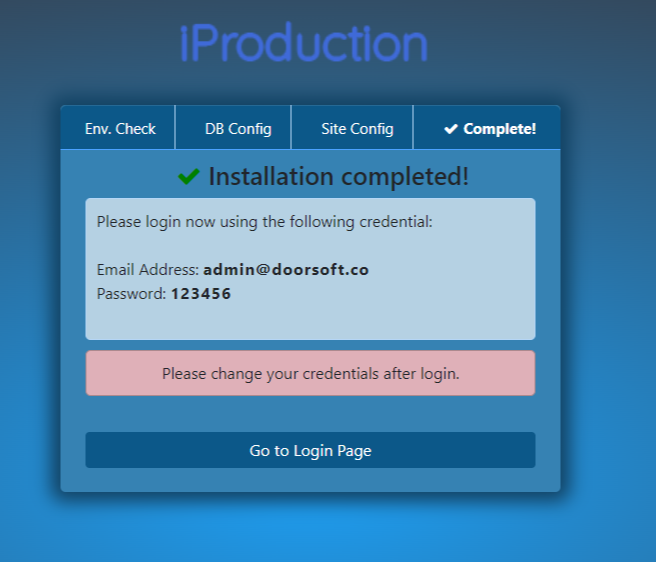
7. The Admin login page will be open like bellow:

Was this page helpful?
Thank you for your feedback!
Please Login First
Zimozo - Support Ticketing, Knowledgebase, Live Chat and CRM
Comments (00)