.png)
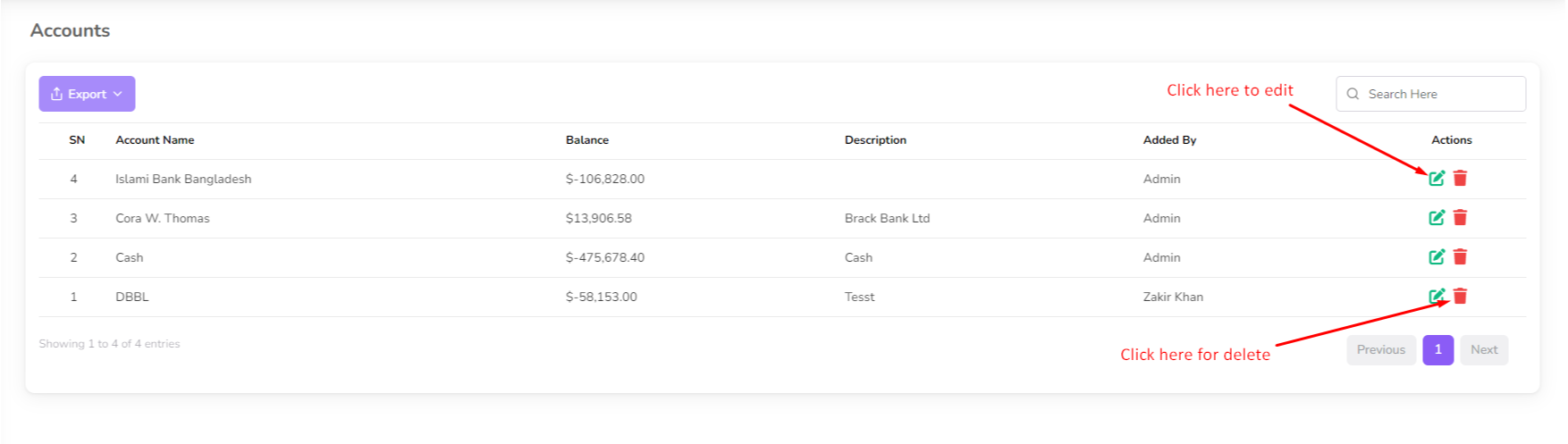
In this section you can manage your account, add, edit and delete account.
To manage your account, navigate to the "Accounting" section from the left sidebar and click on "Account List".

The Account Management page displays all your accounts, including their names and descriptions.
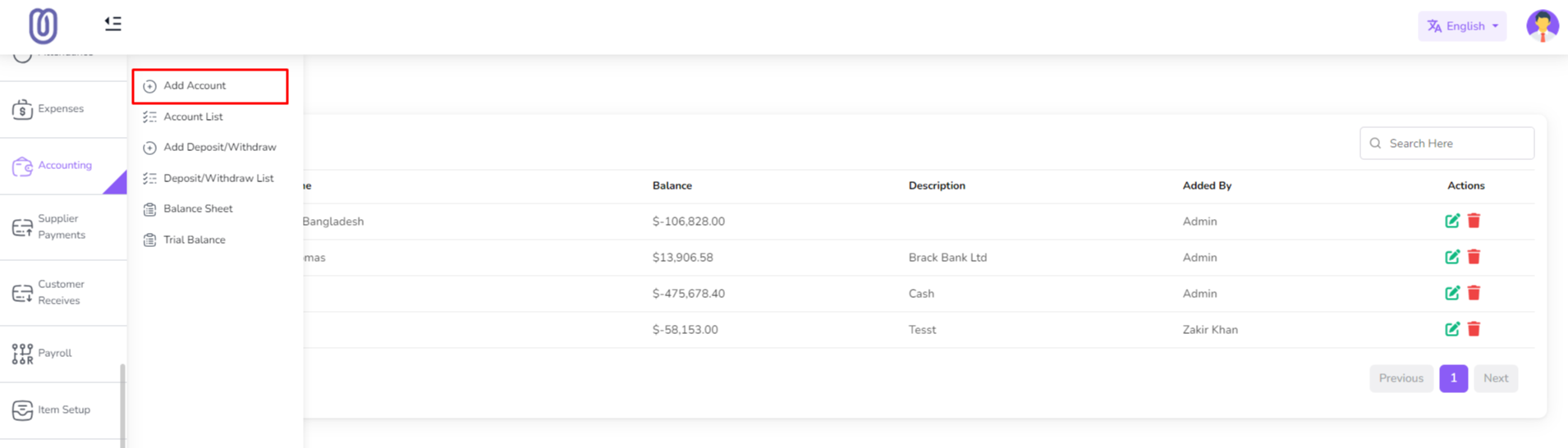
To add a new account, click on the "Add Account" From the left sub menu. Then a form will be opened.
Fill in the details of the new account and click on the "Save" button to add it to the list.

To edit an existing account, click on the "Edit" button next to the account you want to edit. Then a form will be opened with the current details.
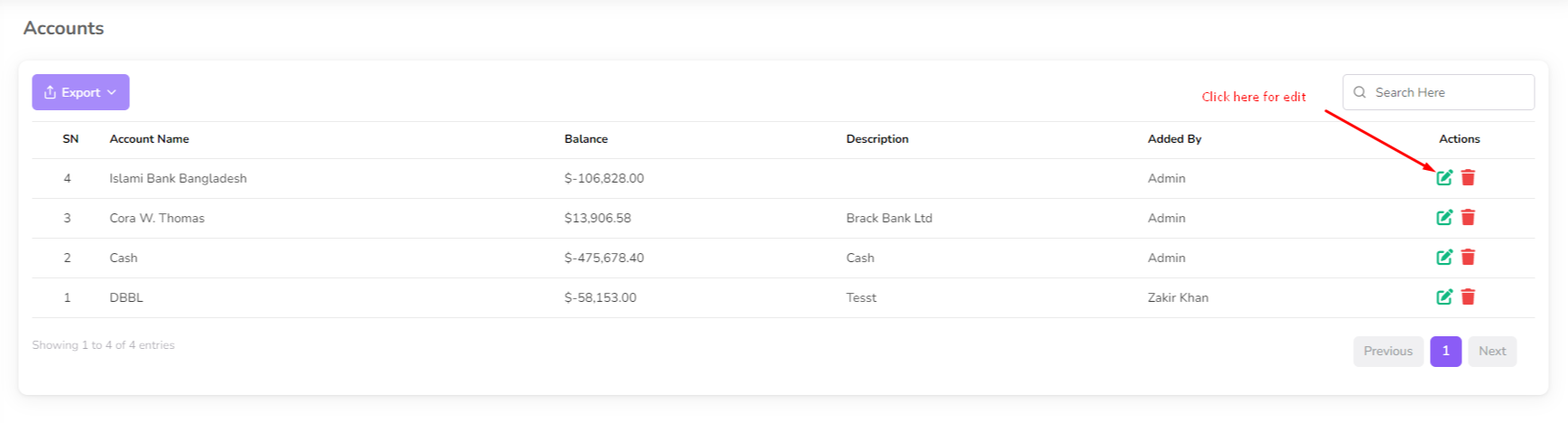
Make the necessary changes and click on the "Submit" button to save the changes.

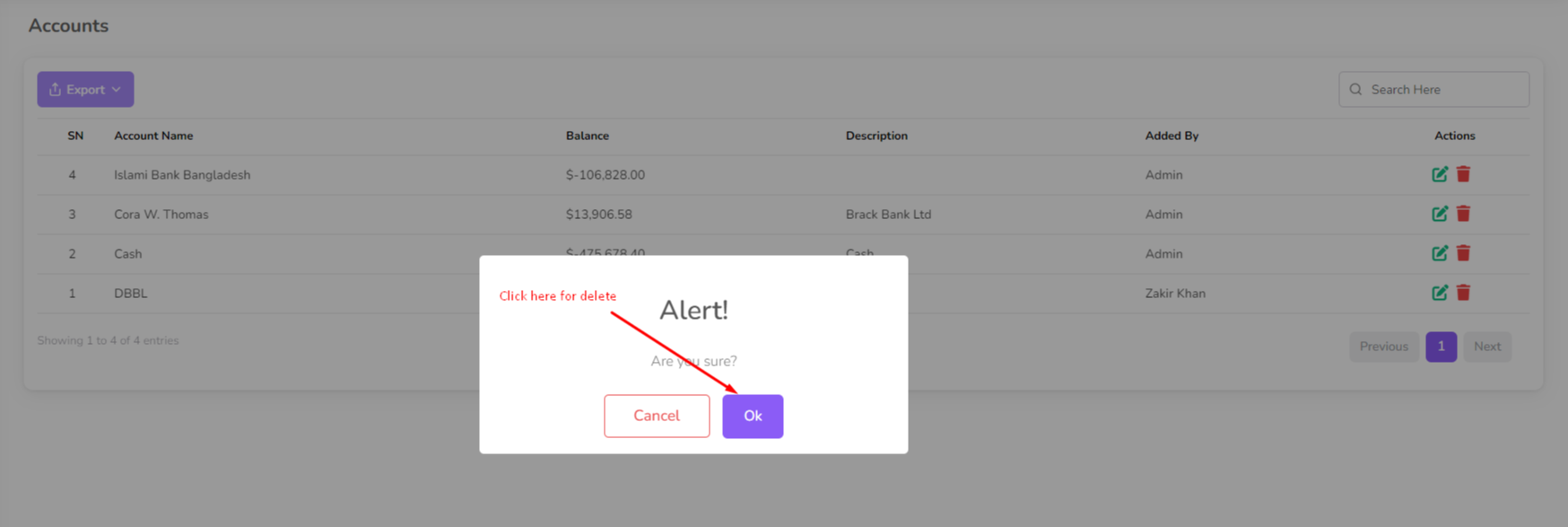
To delete an account, click on the "Delete" button next to the account you want to delete. Then a confirmation dialog will be opened.
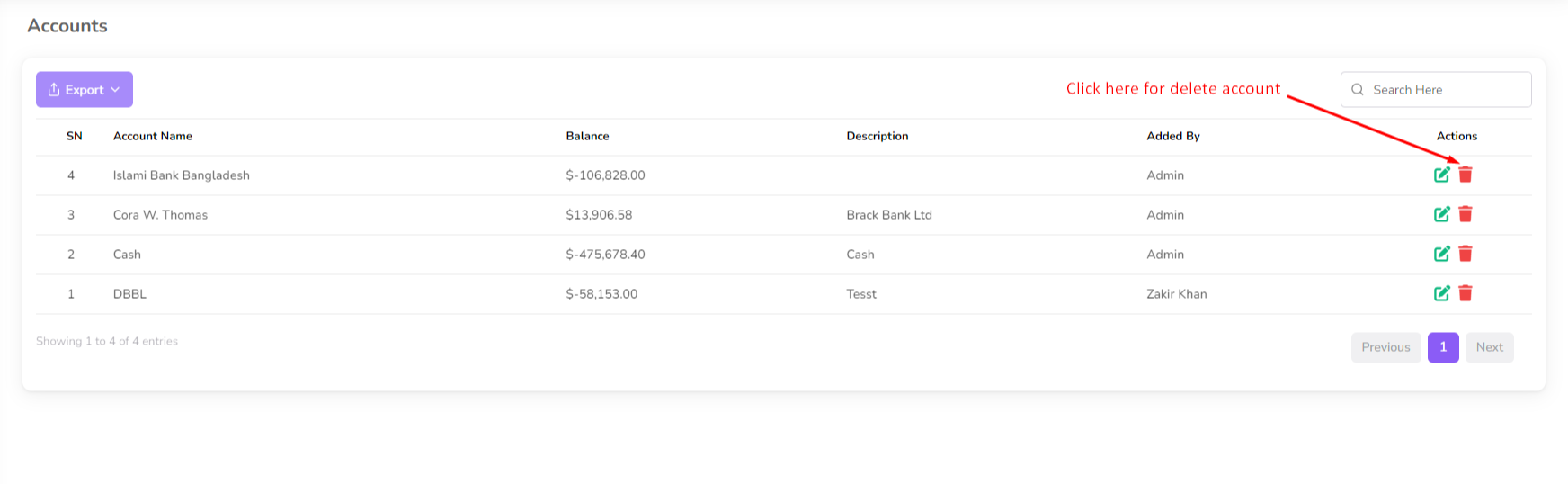
Confirm the deletion and the account will be removed from the list.
Esta página foi útil?
Obrigado pelo seu feedback!
Por favor, faça login primeiro!
Zimozo - Support Ticketing, Knowledgebase, Live Chat and CRM
Comentários (00)