.png)
You can upload bulk ingredients easily by using this method.
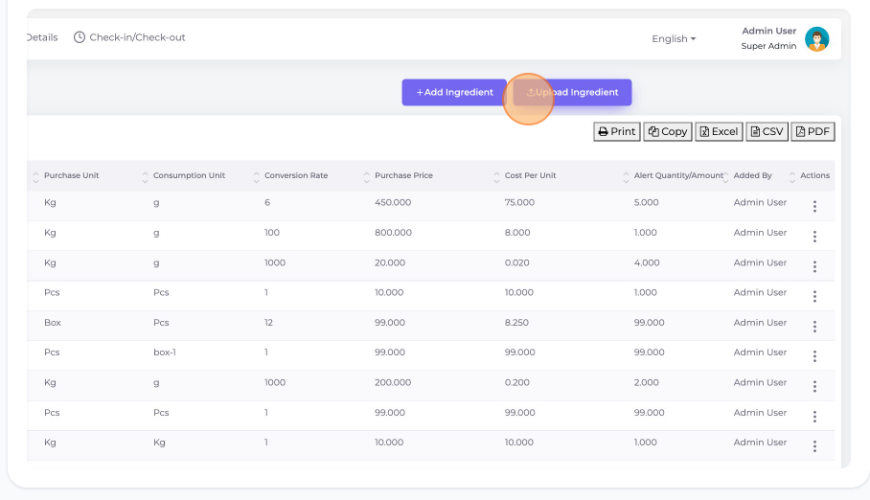
Go to the "Item" section from the left menu click on "List Ingredient" and then click "Upload Ingredient".
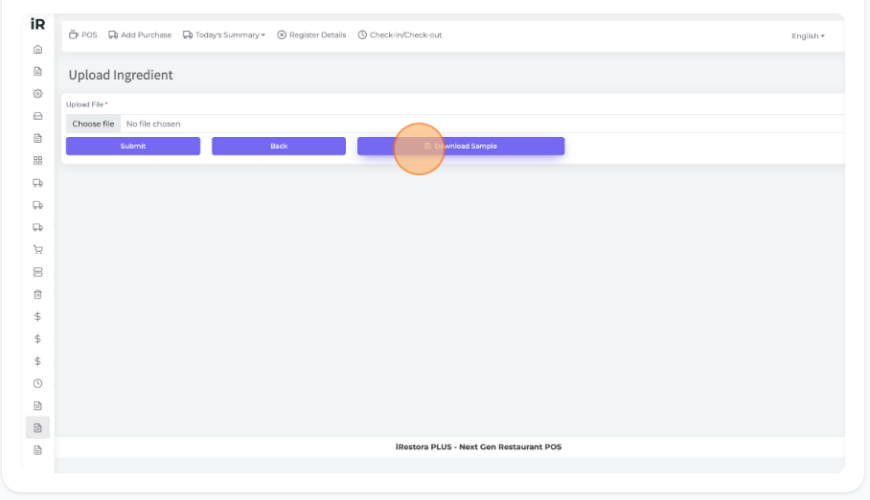
Click "Download Sample" to download the sample file of uploading ingredients.
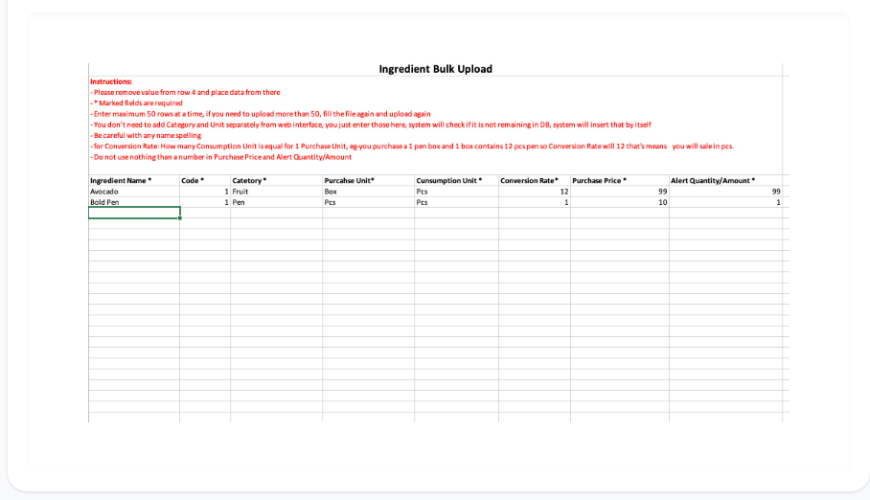
After downloading open the file it will show an xl sheet where you can input your all ingredients. Please follow the instructions given in red color to put your ingredient information.
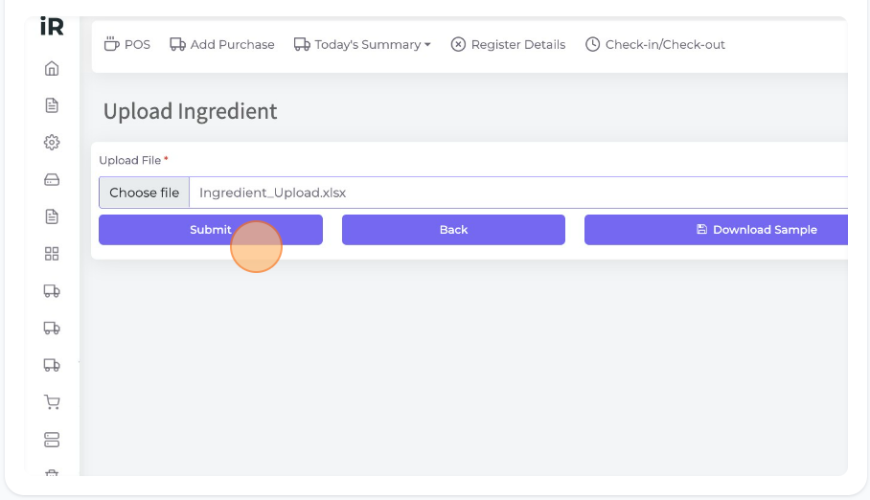
After adding the all ingredients details save it and select the file from the "Choose file" section then click "Submit" to upload the ingredients.
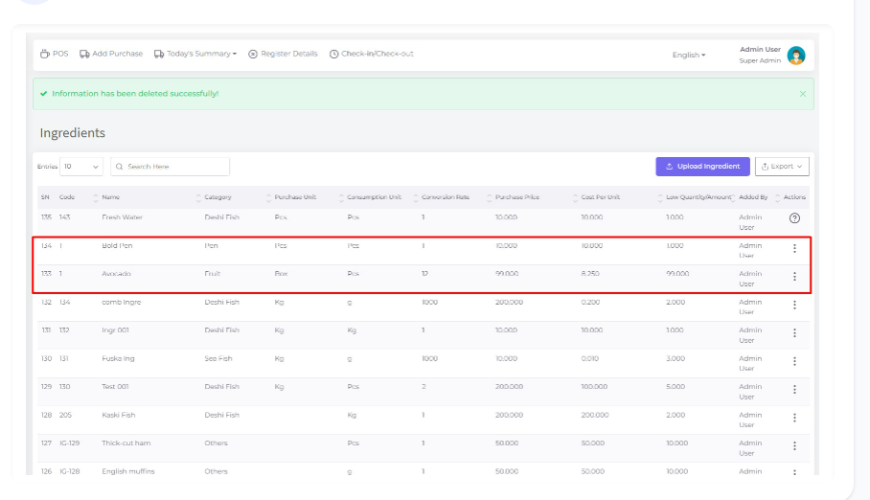
After uploading the file you can see the Ingredients are Added here successfully.
Was this page helpful?
Thank you for your feedback!
Please Login First
Zimozo - Support Ticketing, Knowledgebase, Live Chat and CRM
Comments (00)