.png)
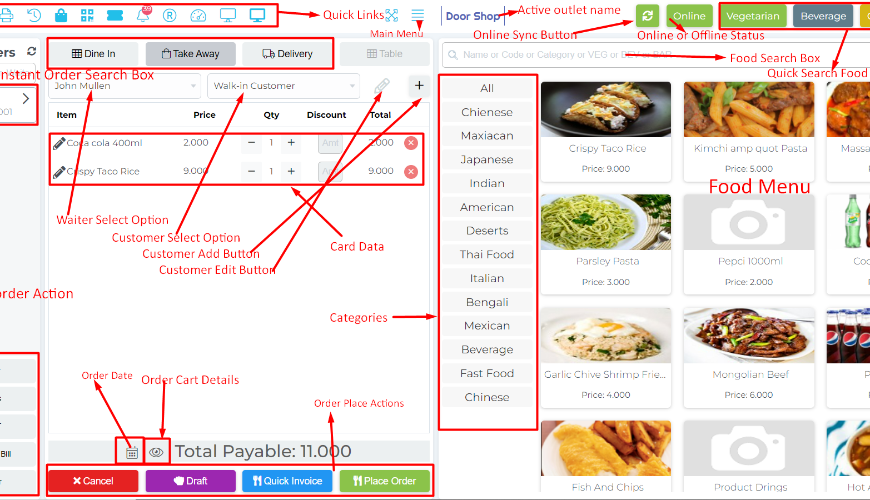
Order type needs to be selected before selecting item:
Using this feature you can select your order type when selecting an item to add to the cart. Some do not like to set their order type as default for this reason this feature will help you.
Go to the settings then select "Default order type" set as "None" and submit to save this change.
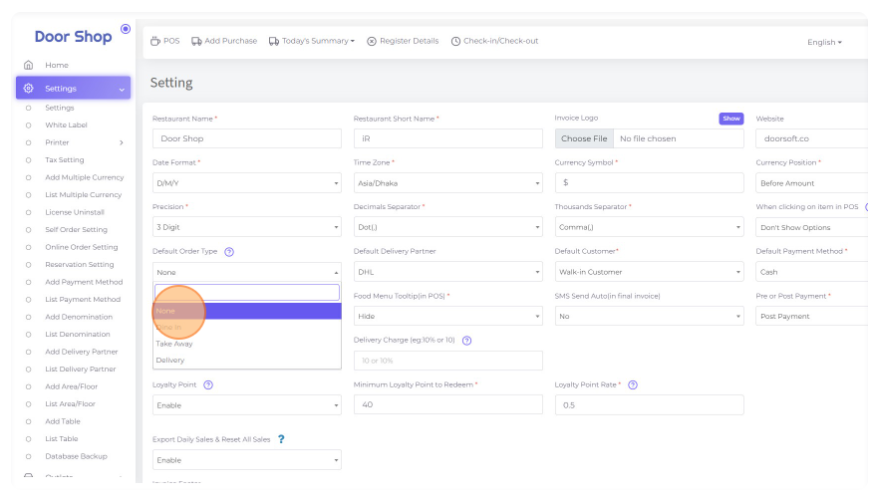
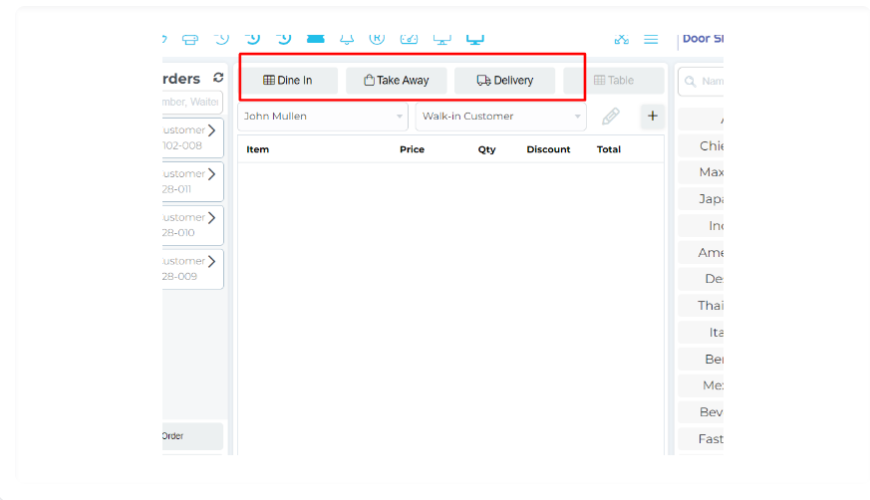
For selecting None here you can see there is no default order selected.
Now try to add an item to the cart.
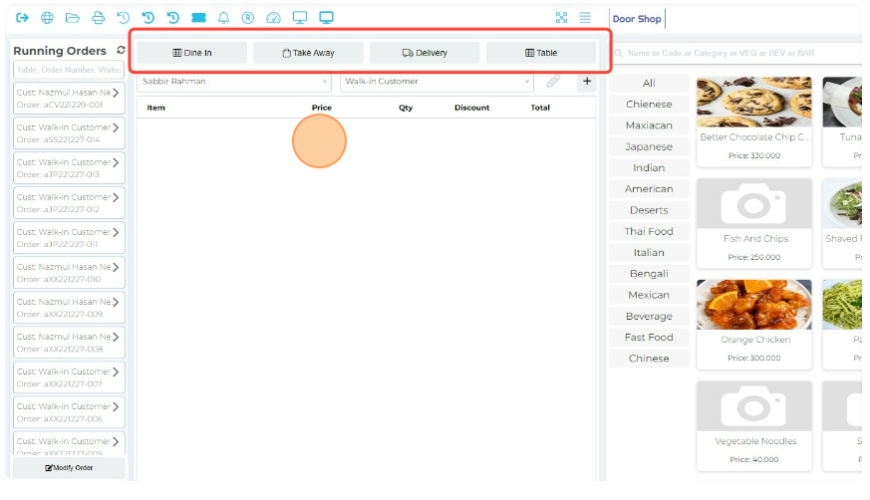
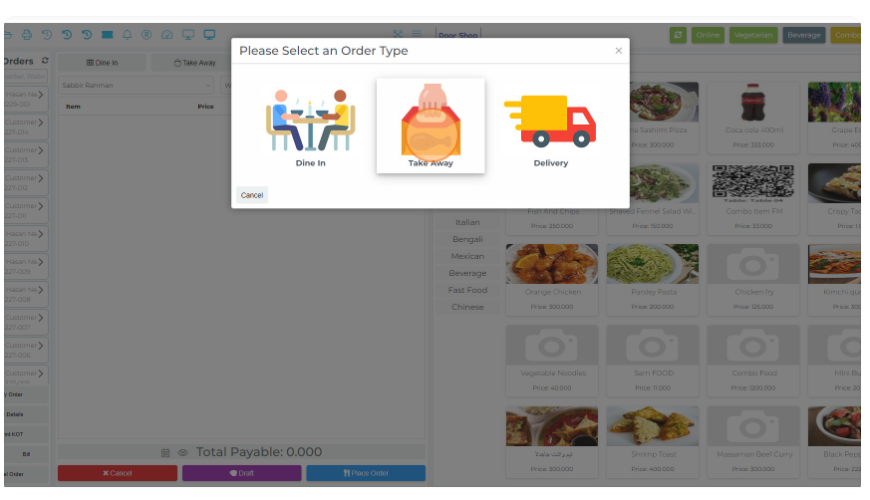
The system will provide the selecting option of order type modal before adding the food to the cart.
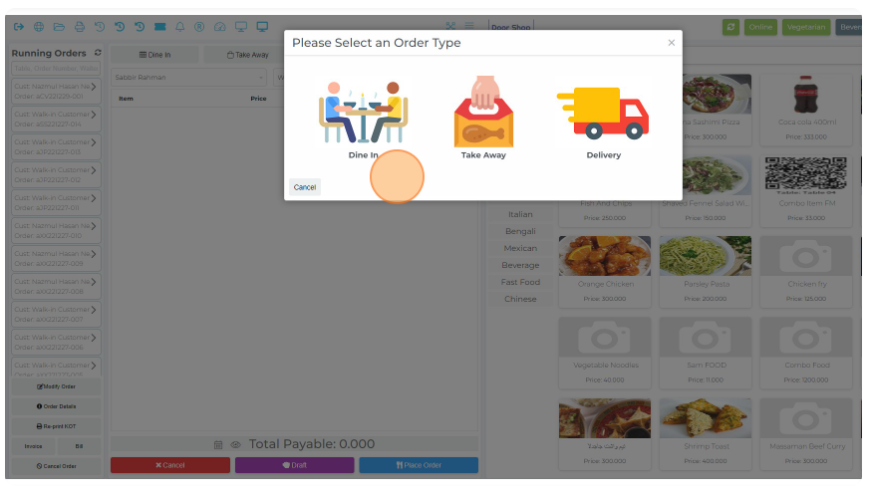
Now select an order type from here as per your need.
Then add items to the cart and then place your order.
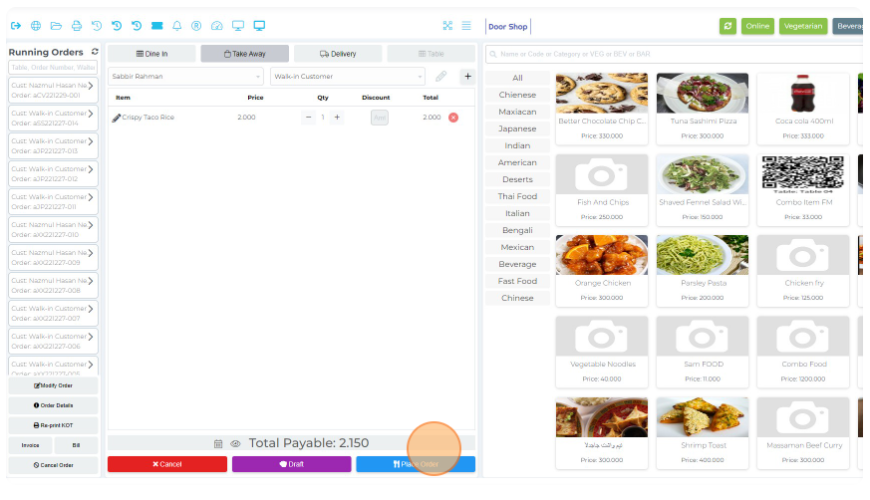
After placed the order, system will unset the order type
Was this page helpful?
Thank you for your feedback!
Please Login First
Zimozo - Support Ticketing, Knowledgebase, Live Chat and CRM
Comments (00)