.png)
You can change your login pin by following these instructions
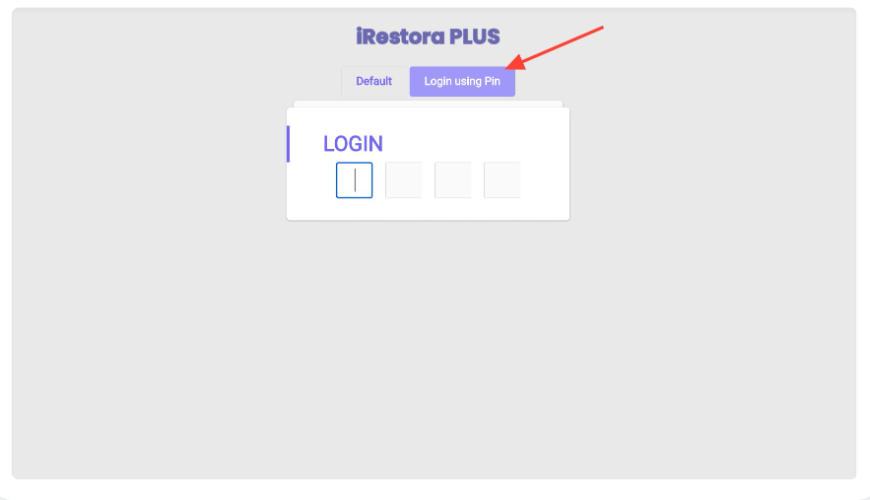
In the login panel, you can enter your software with a login pin. To change the login pin follow these steps.
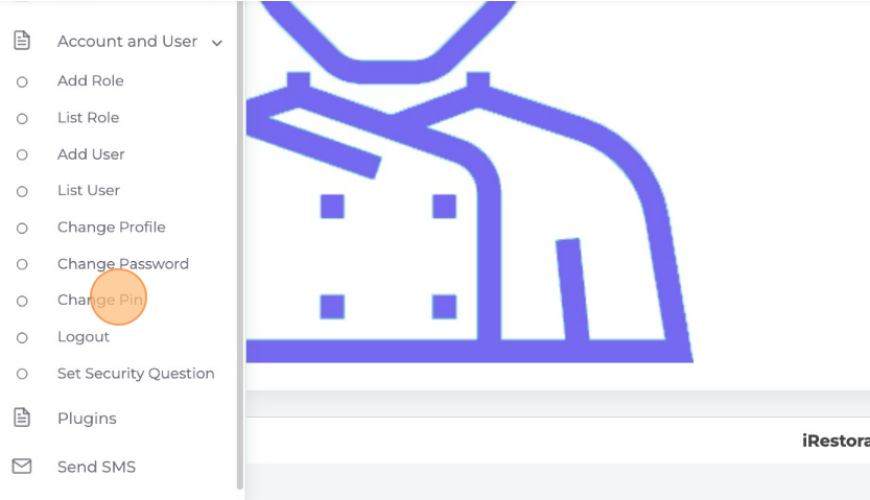
Go to the "Account and User" option from the left menu and the "Change Pin" to change the login pin.
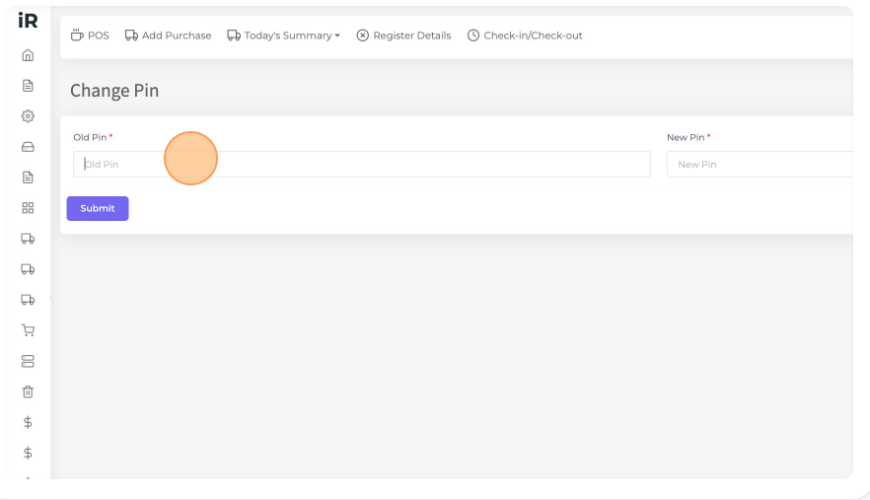
Here click the "Old Pin" field and enter your old login pin. In the "New Pin" field enter the new pin which you want to set. Then click "Submit" to change the login pin.
Was this page helpful?
Thank you for your feedback!
Please Login First
Zimozo - Support Ticketing, Knowledgebase, Live Chat and CRM
Comments (00)