.png)
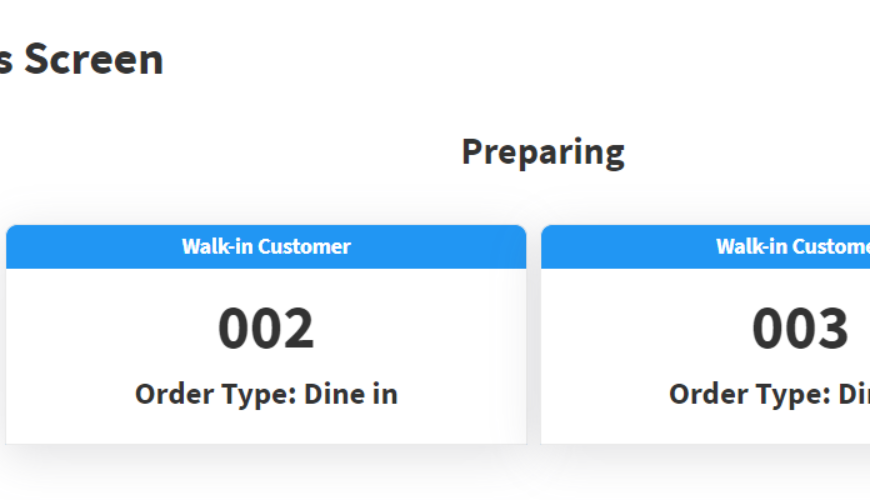
It is a digital screen that displays the status of orders on a smart TV notifying customers when to pick up their orders. Once the order is ready, then the system will show the order on that display.
Go to the POS screen and click on that button..
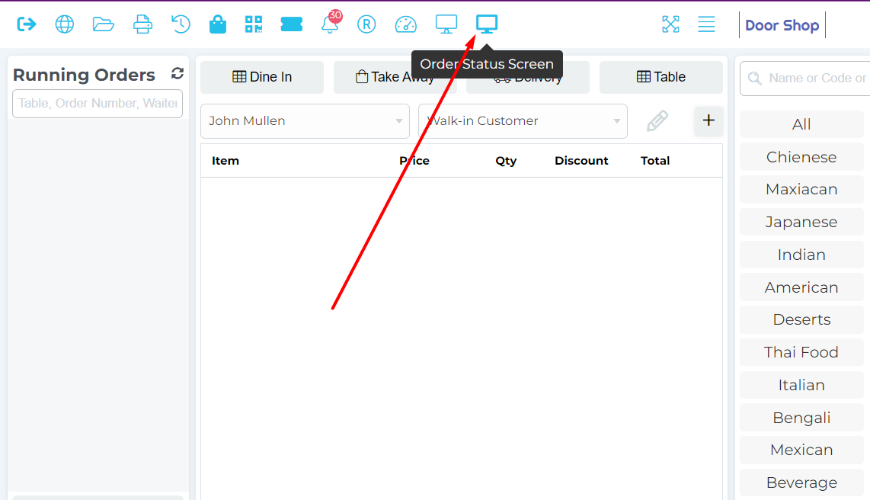
And then the system will show the Order Status Screen.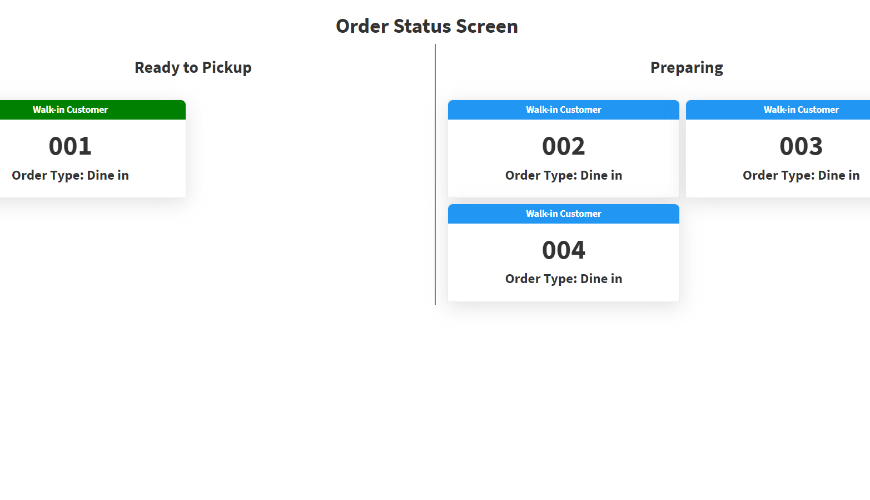
Showing order in Preparing after placing an order here. And now go to the kitchen panel and mark as done then the system will show that order in the Ready to Pickup side.
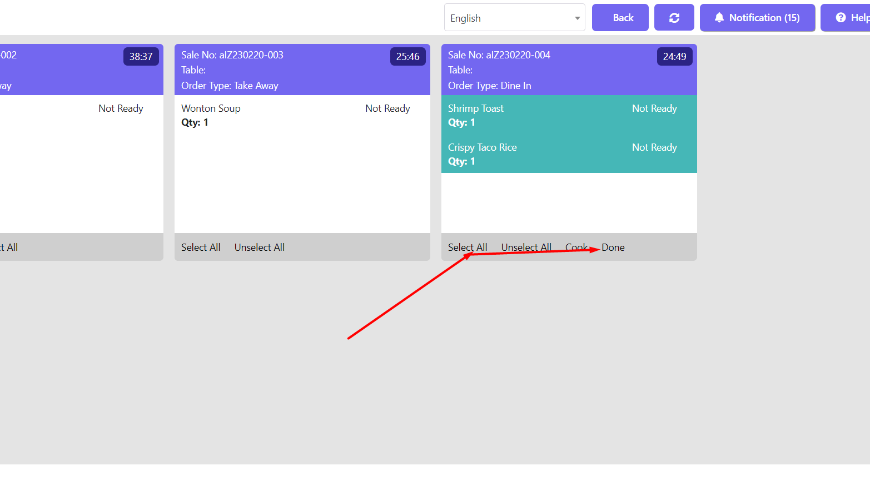
Showing item in Ready to Pickup when Chef marks an order as done.
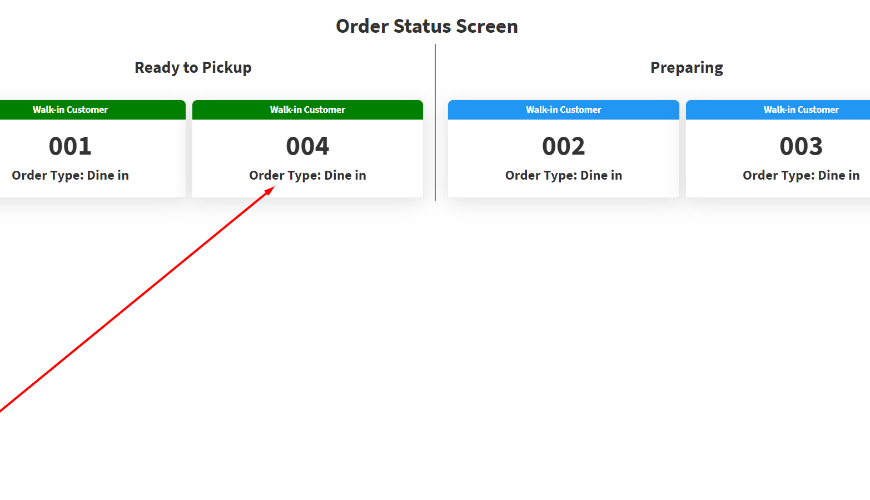
Remove from ready to Pickup by Generate invoice from POS, let’s generate the Invoice now. Then it’s removed from here.
Was this page helpful?
Thank you for your feedback!
Please Login First
Zimozo - Support Ticketing, Knowledgebase, Live Chat and CRM
Comments (00)