.png)
Using this feature you can set up your SMS service and also can send SMS to the customers either with any custom purpose or in sale invoice to their mobile phone.
In the bottom of the menu you will get the Send SMS menu and then click on the menu and set up your SMS configuration.
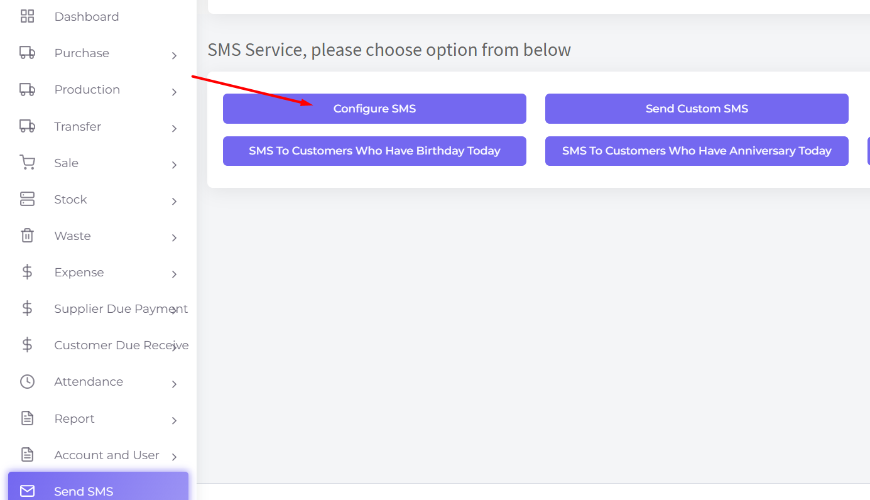
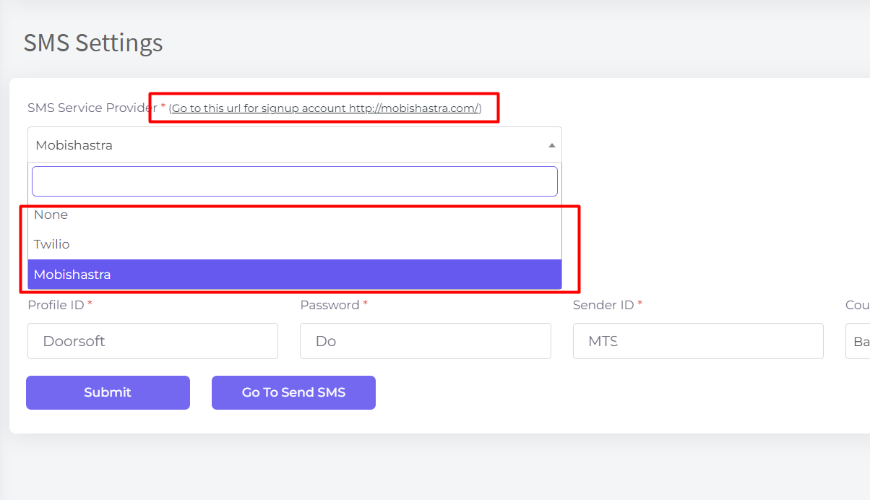
Here, you can set up your SMS configuration as per you need with their credentials.
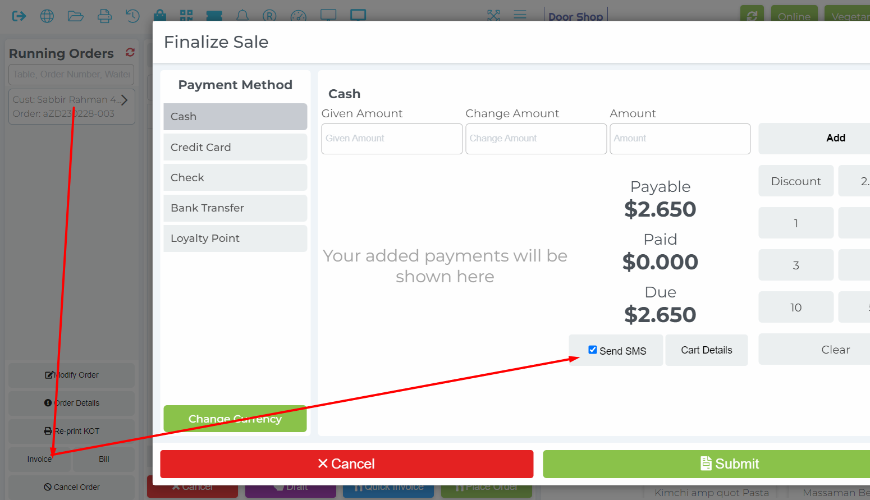
Now go to the POS screen and place an order selecting a customer(except Walk-in Customer). And then you will get an option in the finalize modal to send the SMS of invoice with the selected customer for this order.
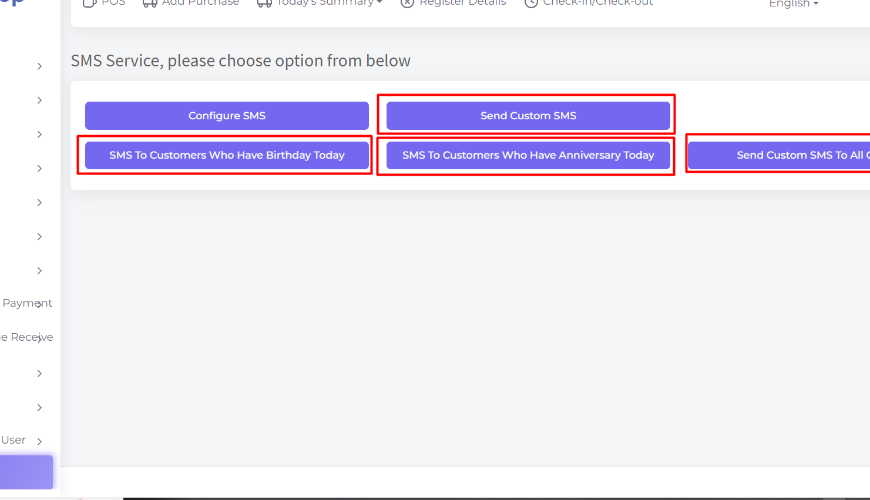
Also there are additional SMS features from the Send SMS menu.
Was this page helpful?
Thank you for your feedback!
Please Login First
Zimozo - Support Ticketing, Knowledgebase, Live Chat and CRM
Comments (00)