.png)
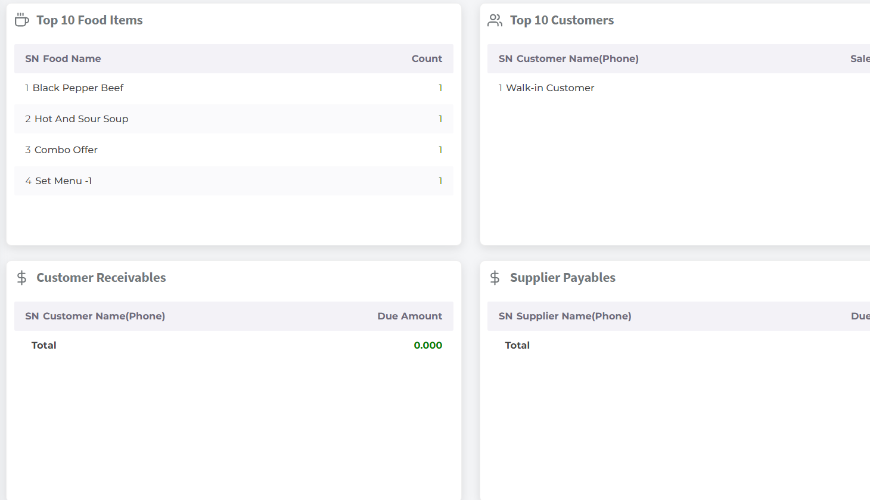
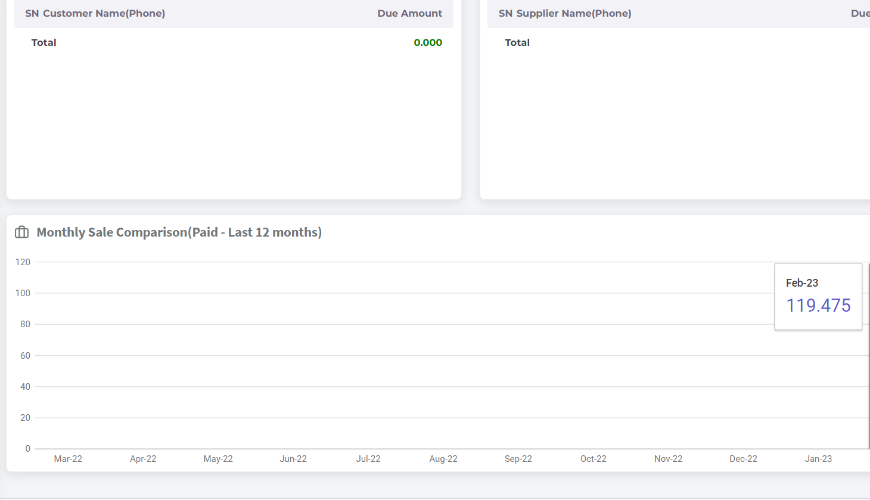
In the dashboard you can get your outlet's summary in a short view.
In the top you will get today's sales summary when you first come to the Dashboard. System will consider only today’s summary in this section until you apply any date range.
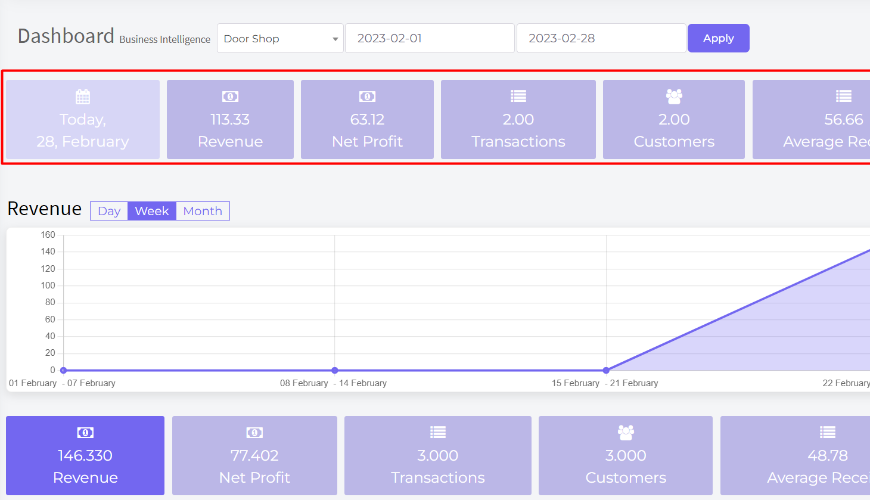
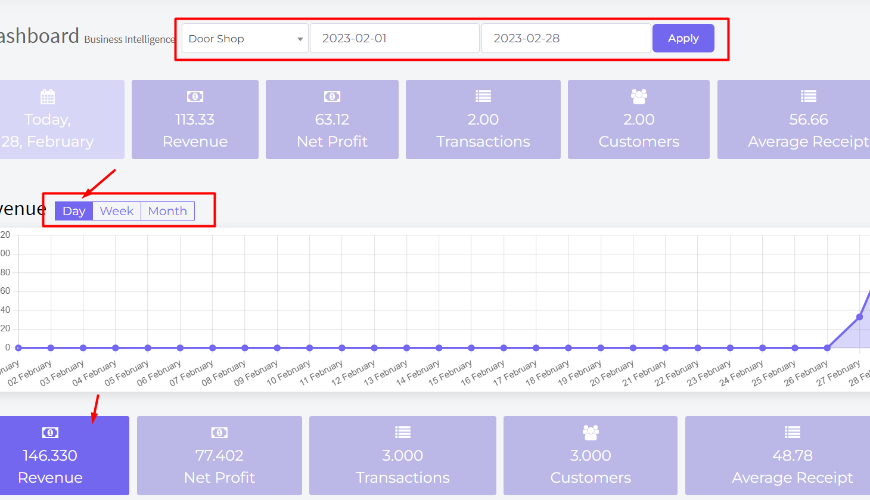
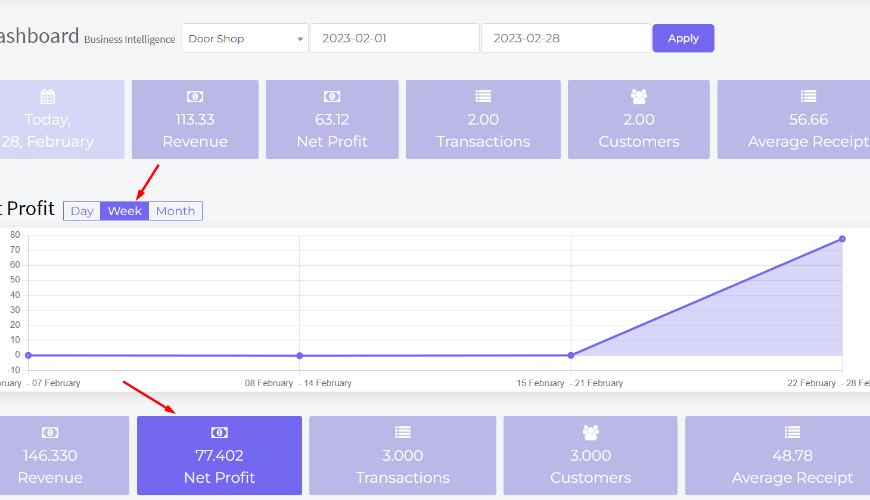
And here is the graph showing the data with day by day of revenue in default but users can check week or monthly also by clicking on the button. You can see Net Profit, Transaction, Customers, Average Receipt by clicking on the below buttons.
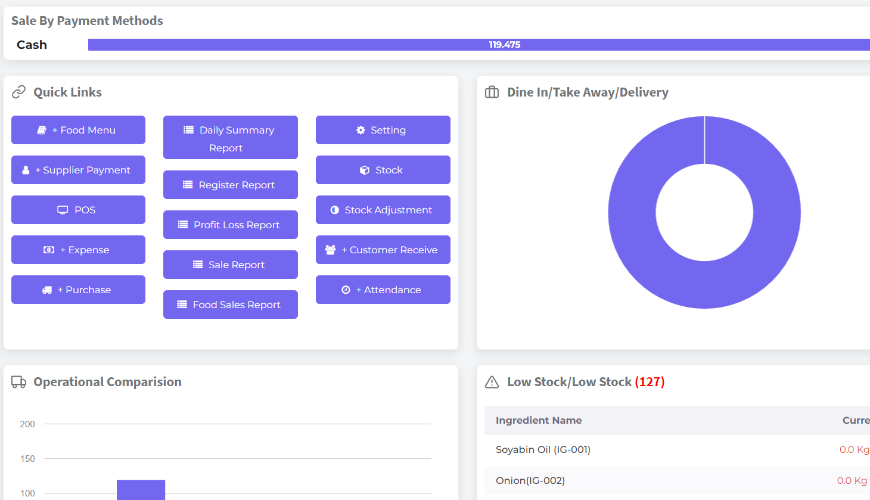
Sale by payment methods shown here, and some of the quick links here, users will be able to go to the module quickly by clicking on a link.
Was this page helpful?
Thank you for your feedback!
Please Login First
Zimozo - Support Ticketing, Knowledgebase, Live Chat and CRM
Comments (00)