.png)
The payment method is something that you will use to collect the payment from a customer. Like cash, card, bank account, etc. You will even pay your supplier for any of these.
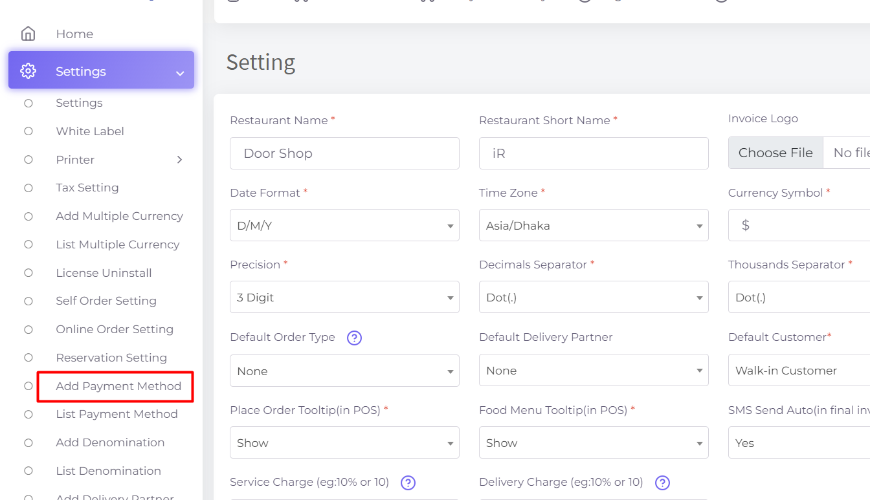
Payment Method Name: Here add your payment method name. and in the "Description" field enter the description.
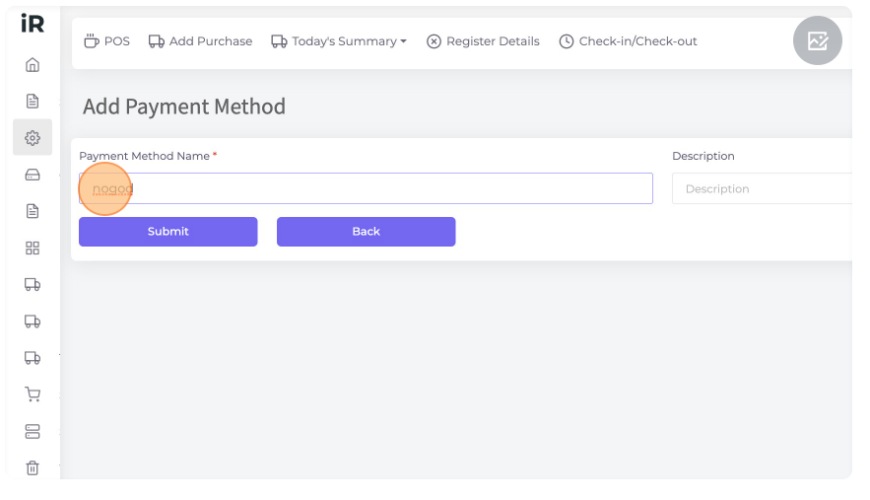
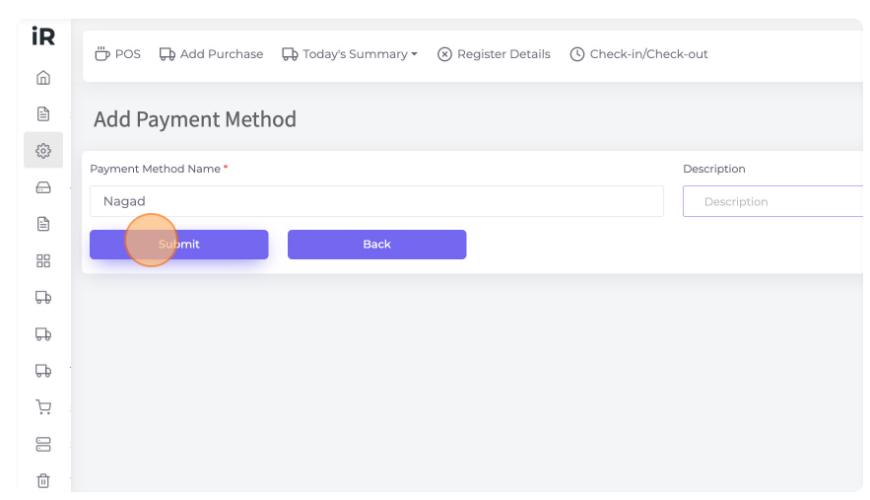
Click "Submit" to save the payment method
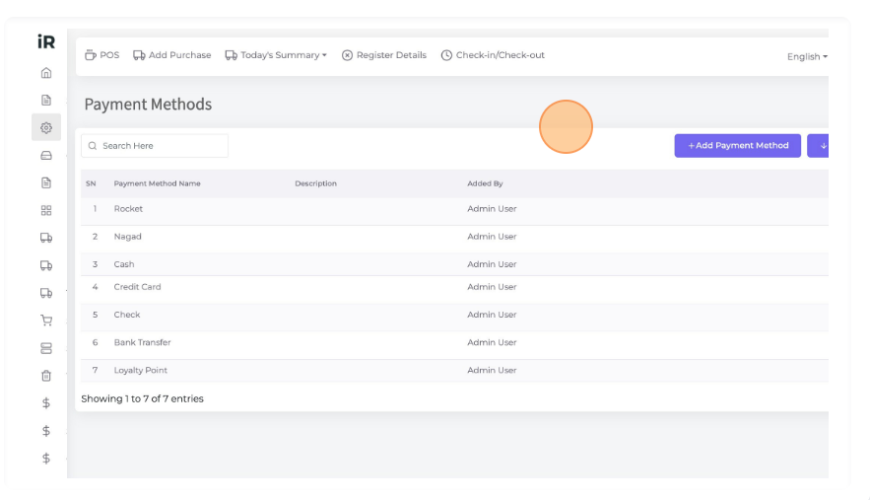
List Payment Methods: Here you can see all payment methods in the list view.
Here you can edit or delete any payment method. See below how it works on the POS screen.
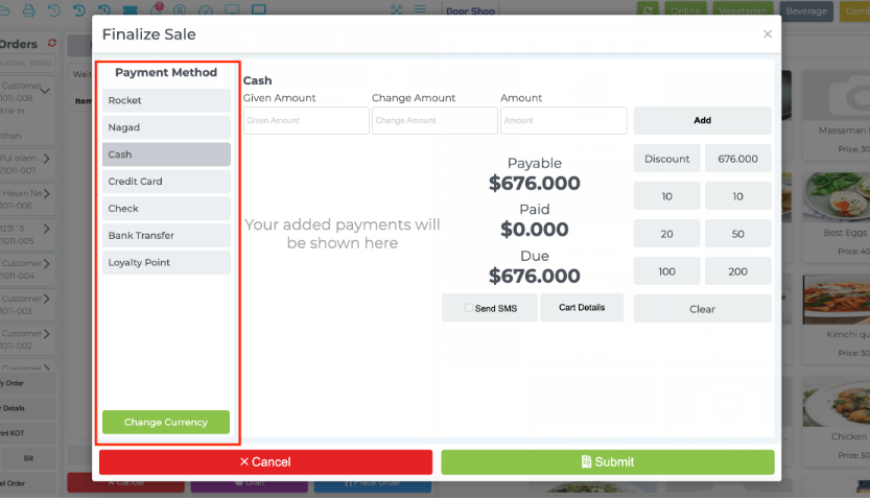
The payment method will show in the Finalize Sale on the POS screen.
Here you can select any payment method as per your need.
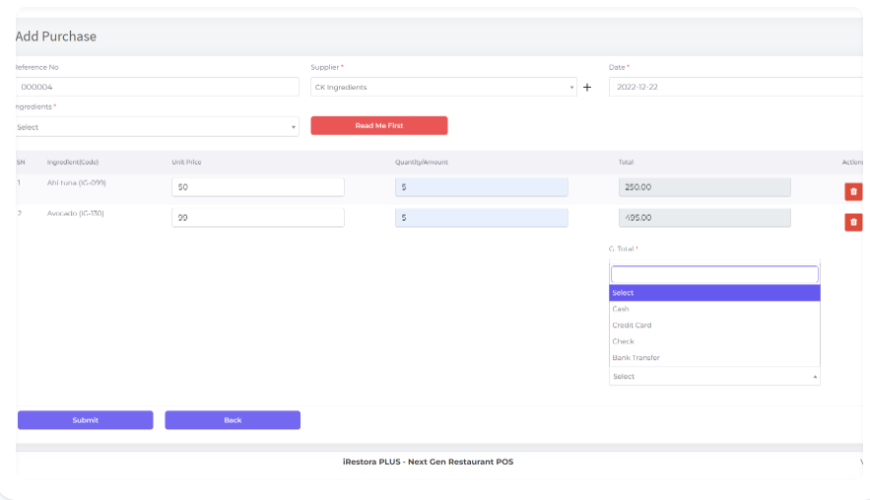
Also when purchasing any ingredient you have to select the payment method here.
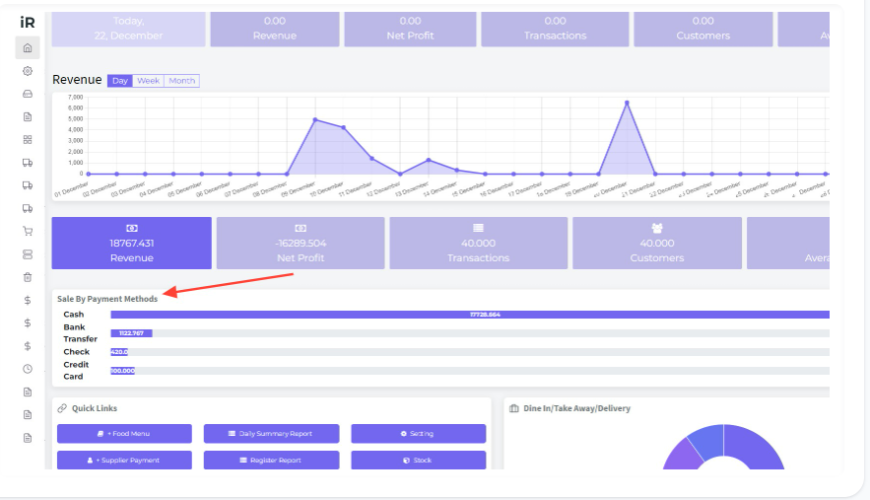
In your outlet dashboard, you can see your sales report used by the payment methods and also can see how many sales are made using every payment method.
Also you will need to select a payment method in Supplier Due Payment and Customer Due Receive too.
Was this page helpful?
Thank you for your feedback!
Please Login First
Zimozo - Support Ticketing, Knowledgebase, Live Chat and CRM
Comments (00)