.png)
In case some of the ingredients stock is not the same as the software stock, you can adjust with that feature either it minus or plus.
Check ingredients stock for which is more than 2 Pcs in the software stock than physical stock.
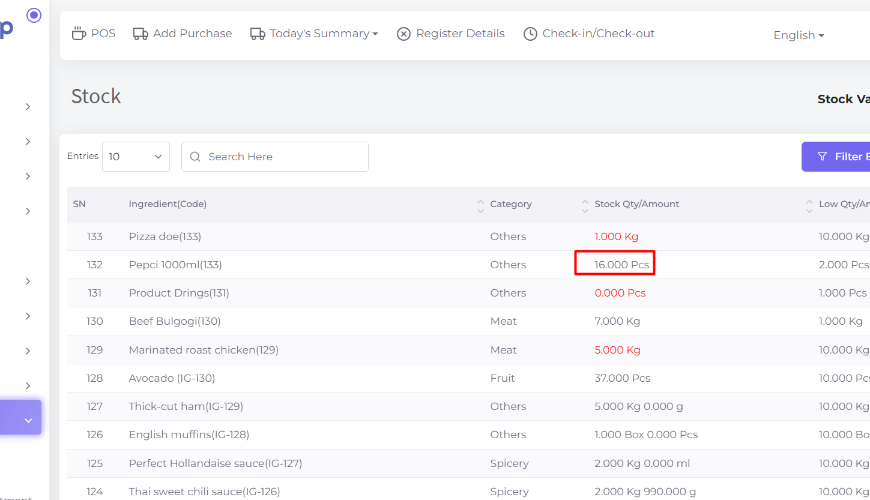
Let’s deduct 2 Pcs with the Adjustment module. Go to the Stock menu and click on it.
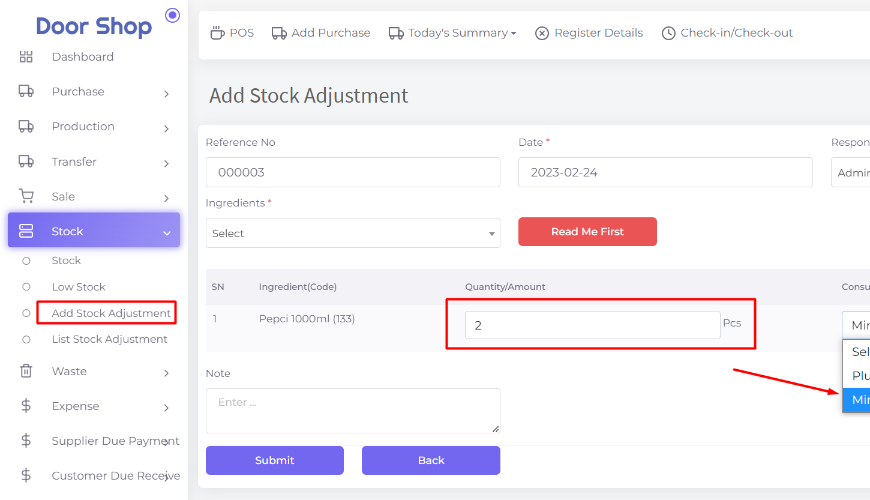
If you select consumption status minus then the system will deduct the stock and if you select plus then the system will increase the stock.
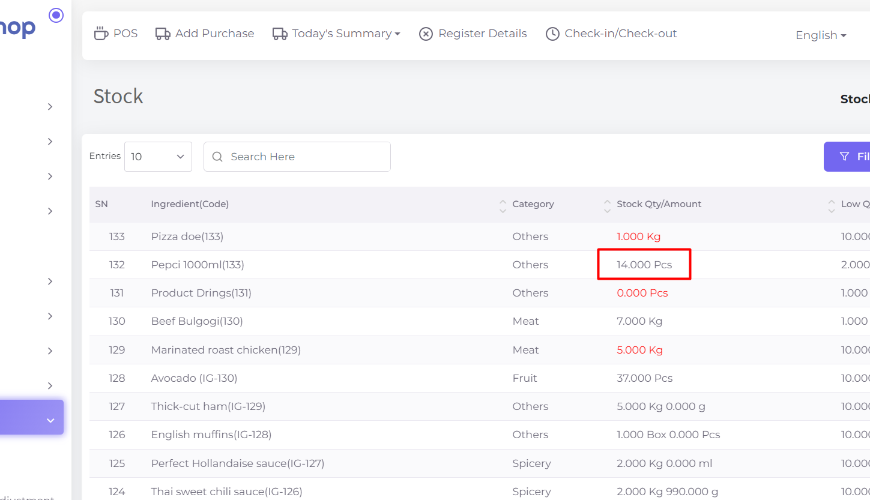
Check ingredient stock which we have adjusted.
Was this page helpful?
Thank you for your feedback!
Please Login First
Zimozo - Support Ticketing, Knowledgebase, Live Chat and CRM
Comments (00)